
360 Product Photography
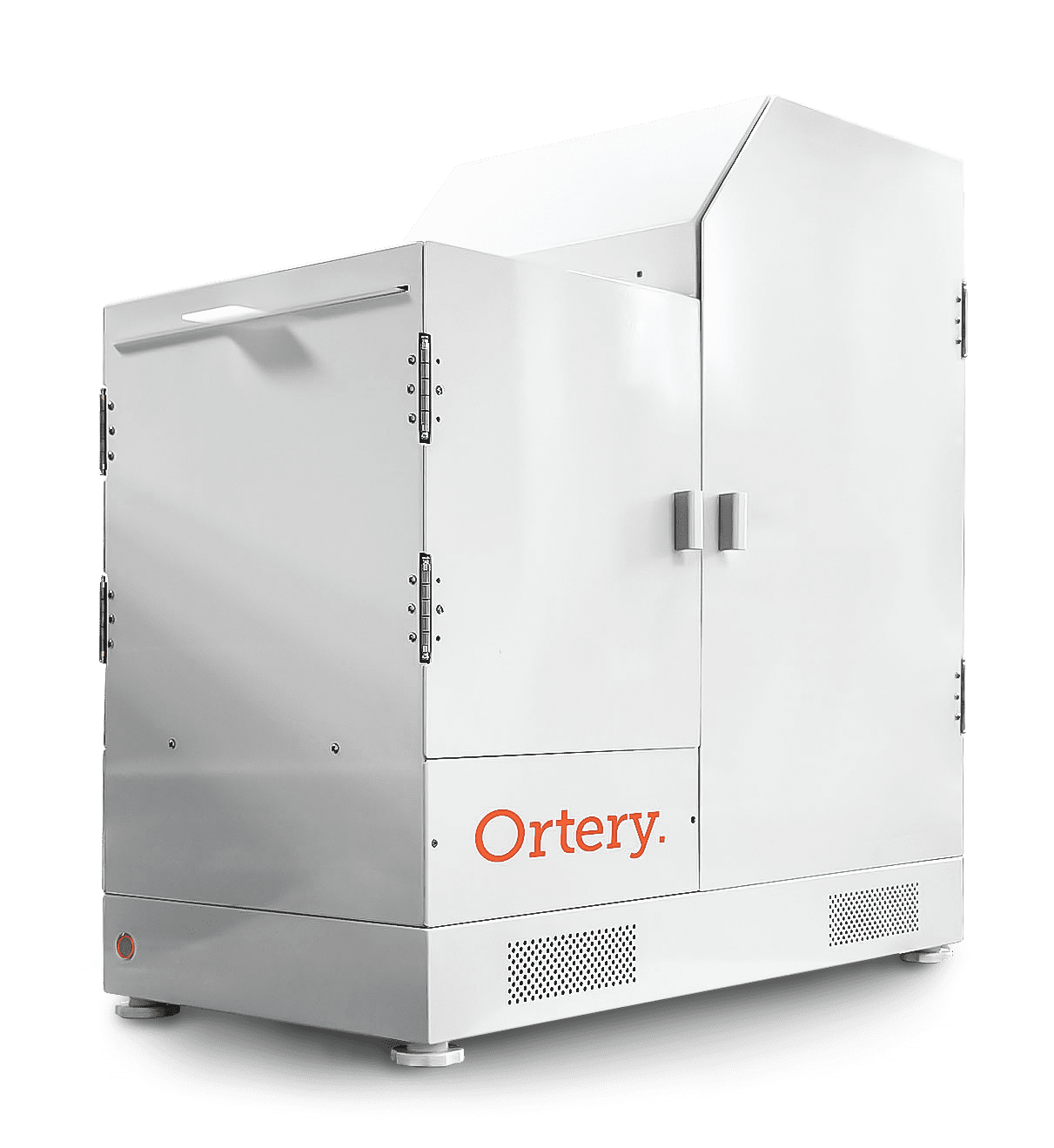
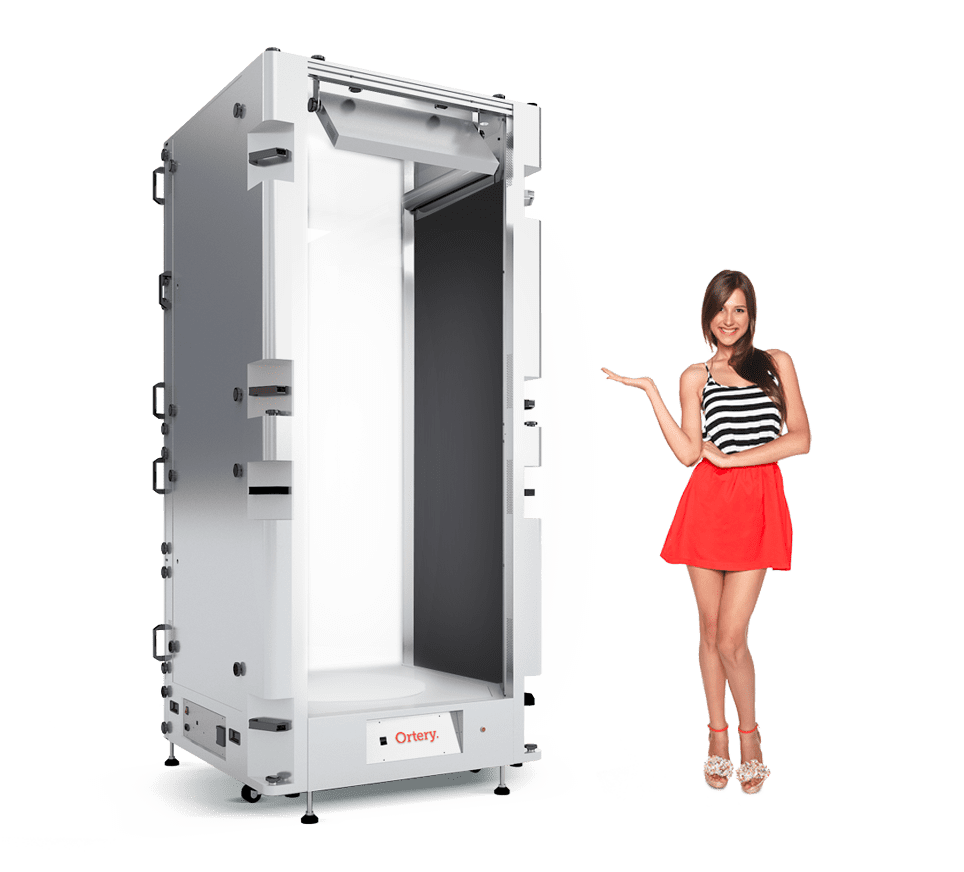
We manufacture professional 360 product photography turntables, lighting and software inhouse. Our solutions integrate image capture, editing and 360 stitching into a single workflow. Such automation, makes it fast to create 360 product views for eCommerce and other applications. Our most popular 360 photography equipment feature a patented transparent turntable with surround LED lighting for taking 360 photos on pure white and transparent backgrounds.
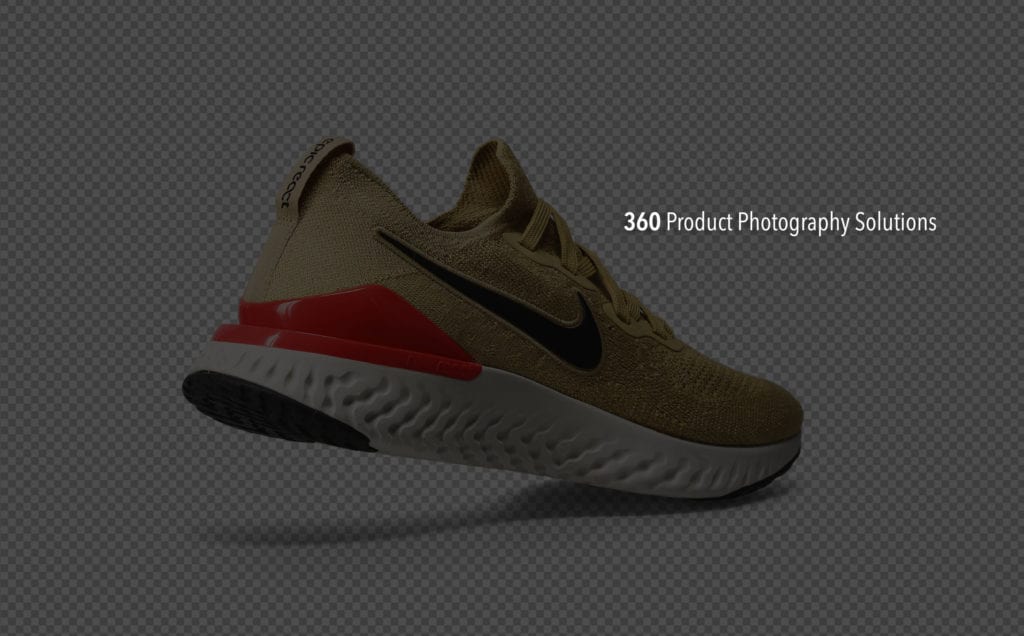

Make Your Website Products Interactive
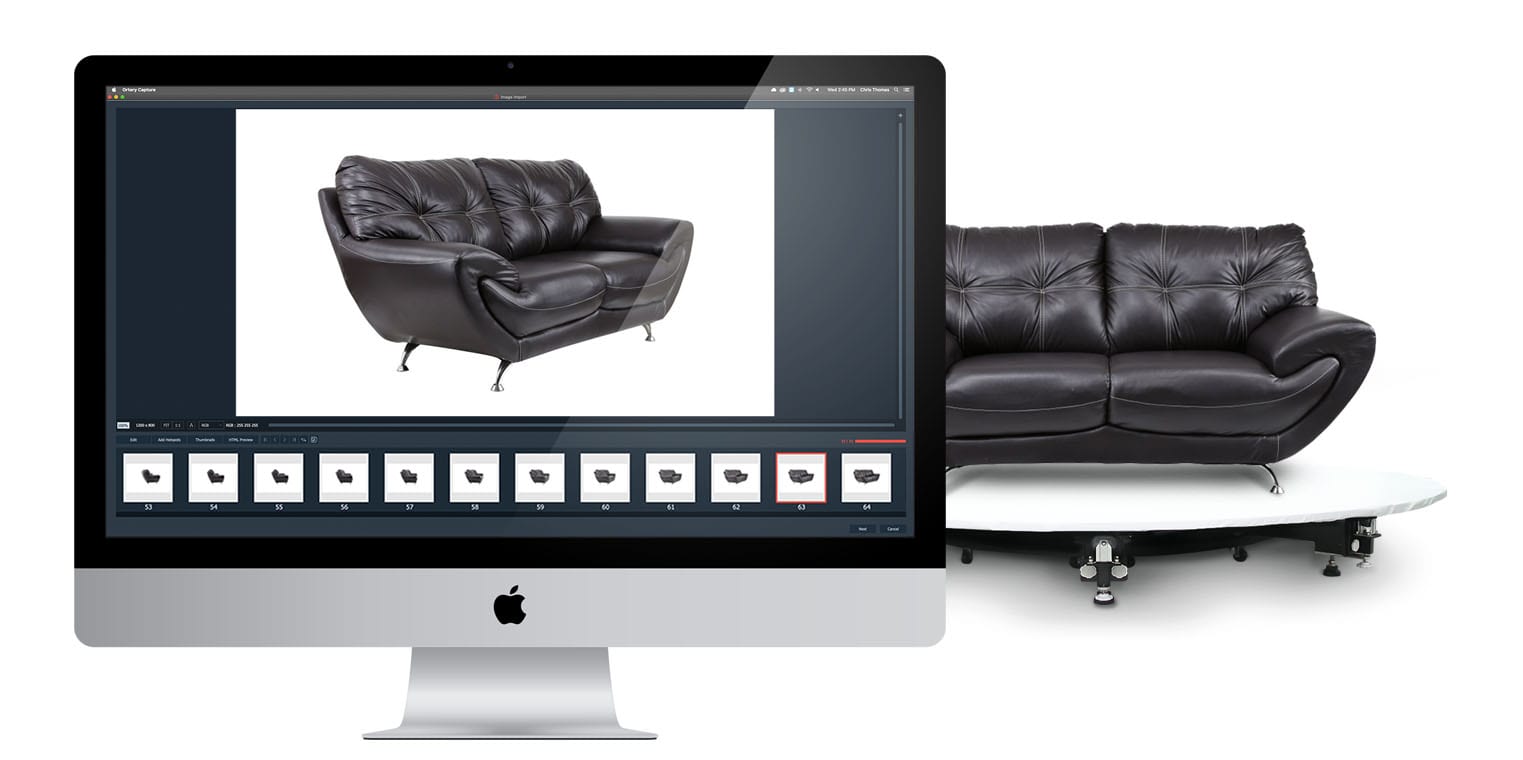
Our 360 creation workflow enables any employee to create 360 product views in seconds, with full control over 360 movement and animation look and feel. 360 animations demonstrate your products more effectively and increase eCommerce conversions.


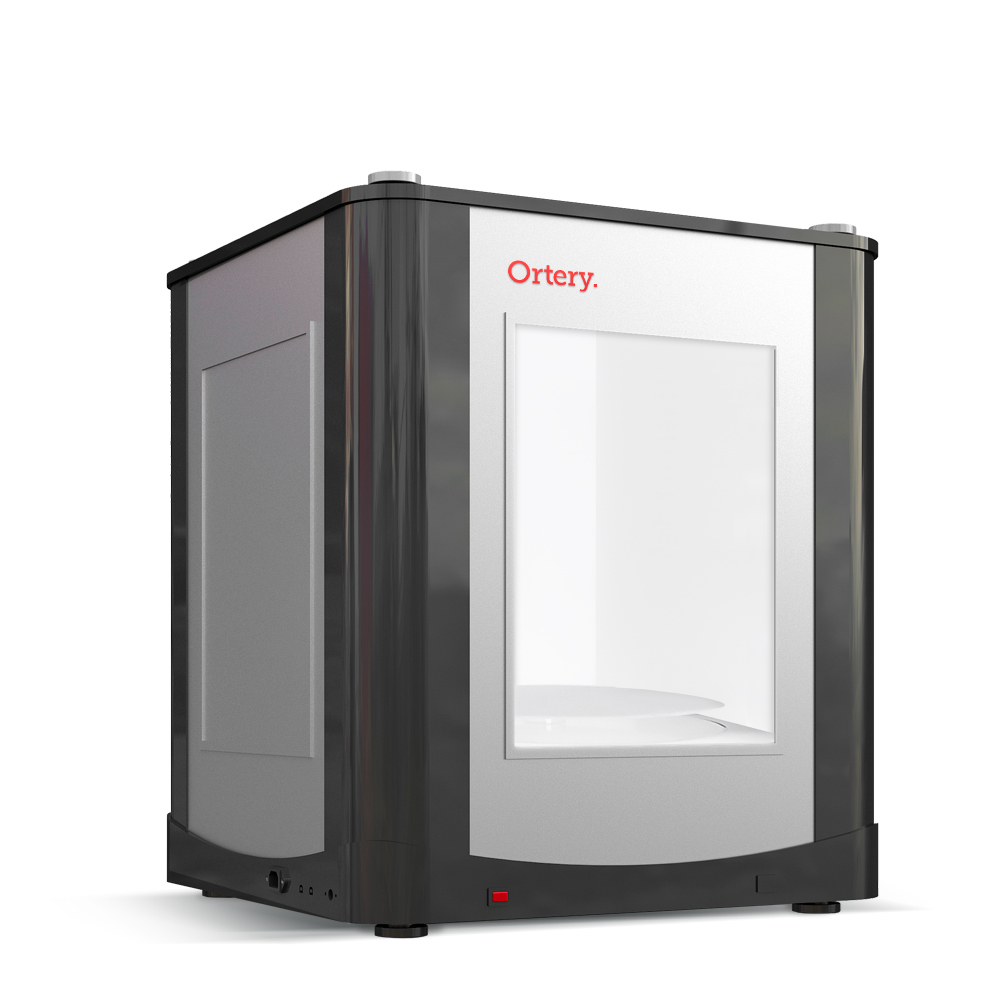
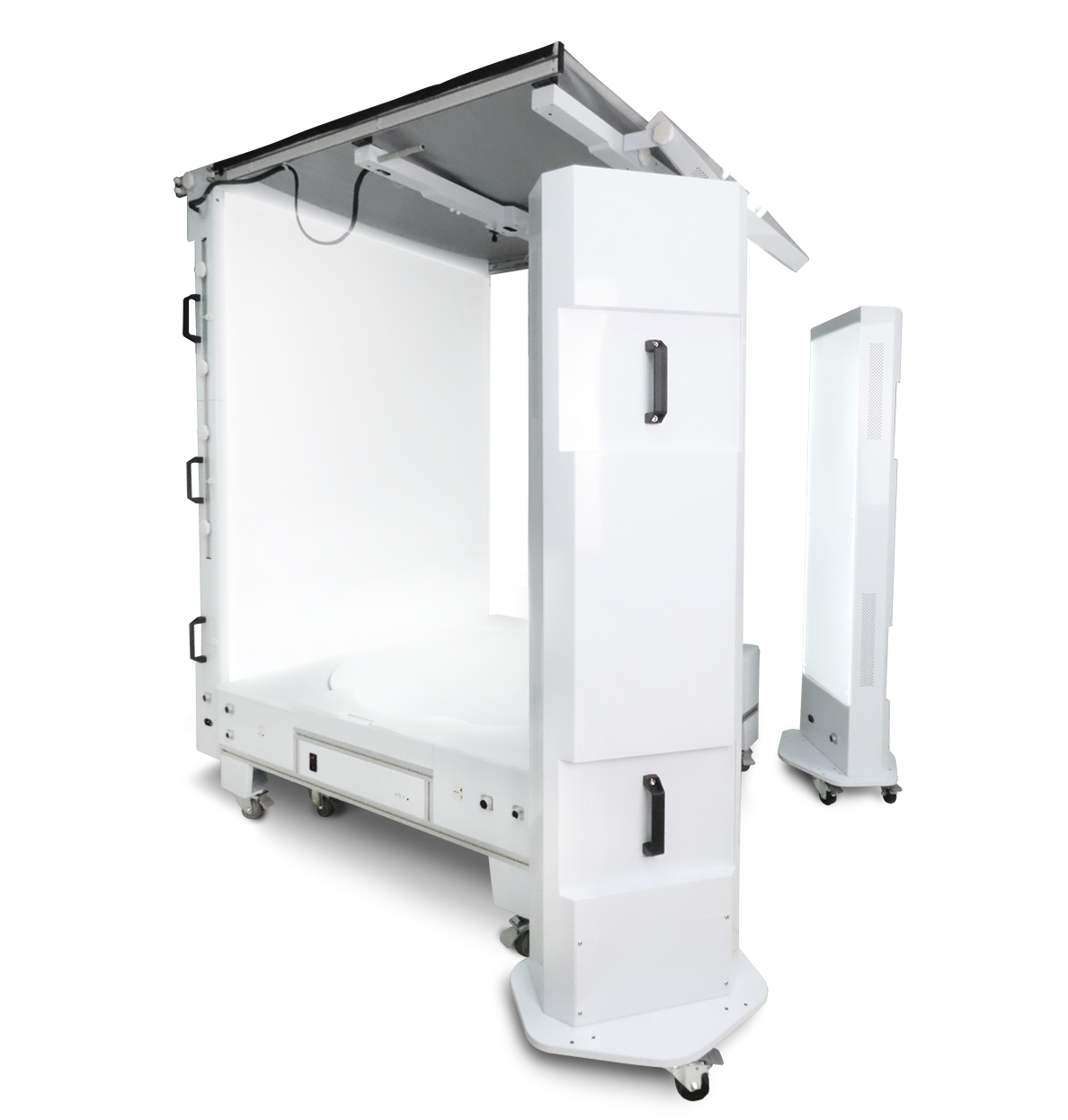
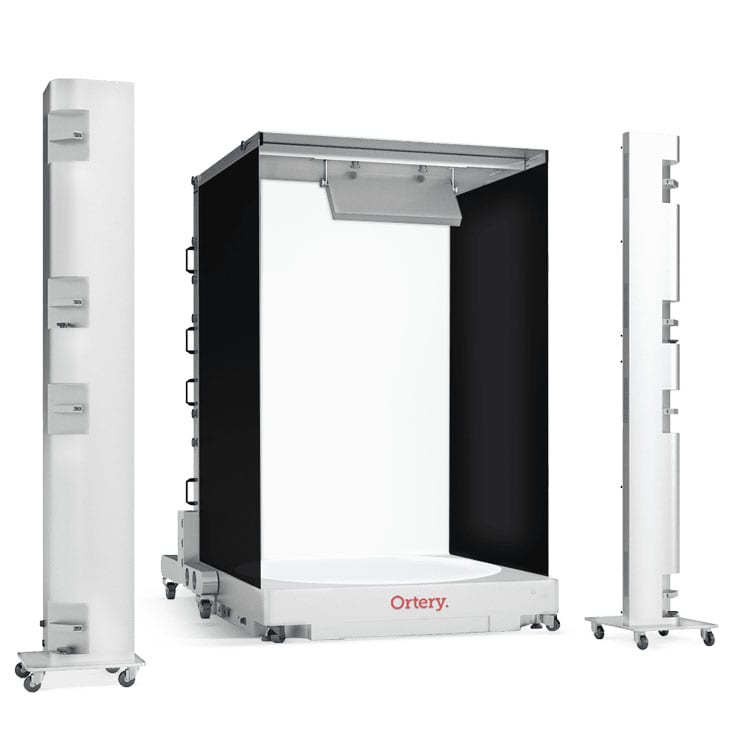
Photo Light Boxes with Transparent 360 Turntables
These fully integrated solutions are our most popular. They offer full lighting control (including from the bottom), a transparent turntable and 360 photography software to automate the entire capture and stitching process. The hardware and software work together to deliver the best results in the least amount of time. In addition to still shots and video, they can quickly produce 360 photos on pure white or transparent backgrounds, in seconds.
360 Photography for Jewelry and Loose Stones
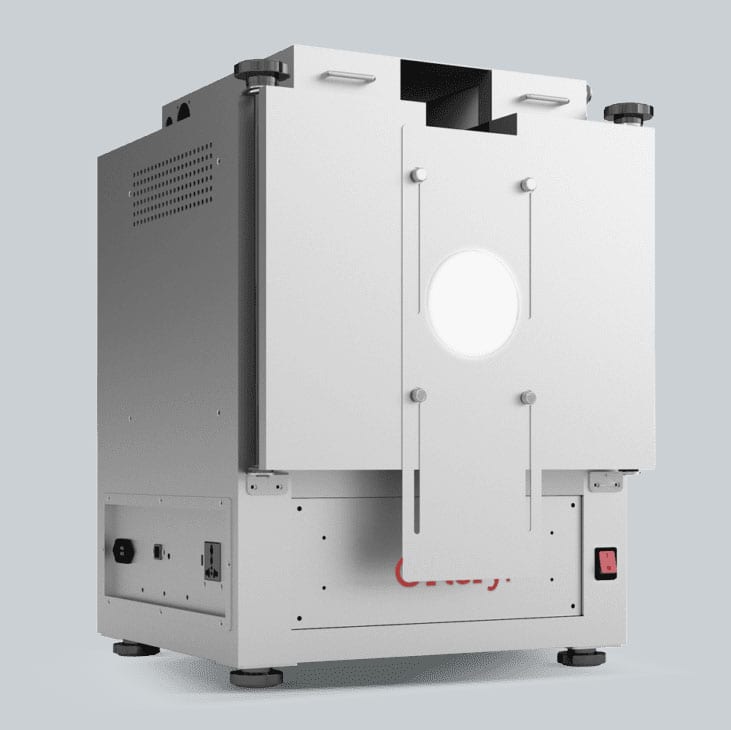
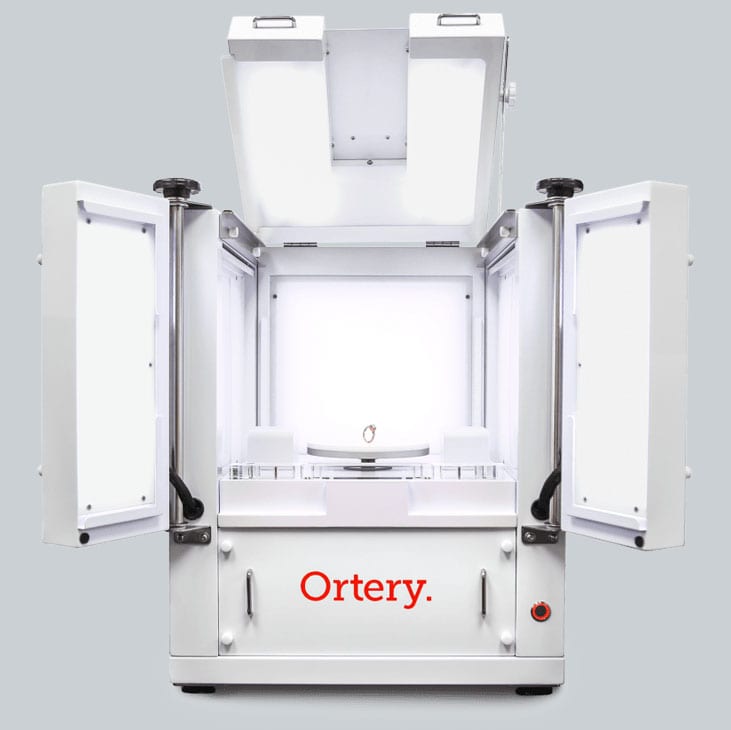
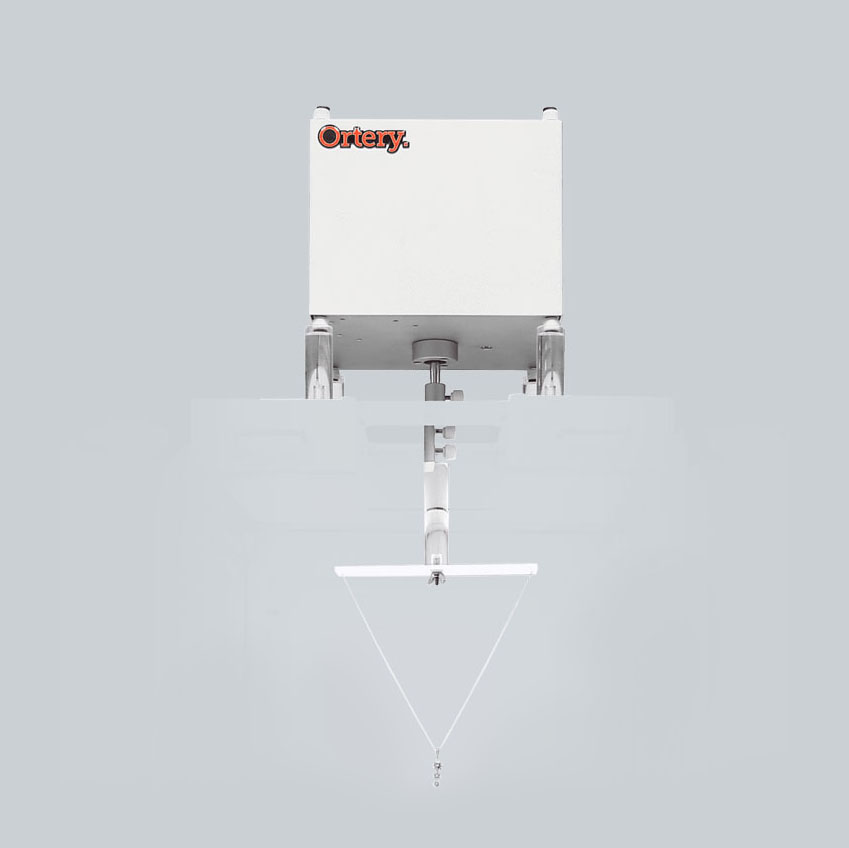
Ortery has a full lineup of 360 photography turntables and jewelry light boxes featuring transparent turntables inside for shooting engagement rings, watches, bracelets, loose diamonds, gemstones and more. There is even a turntable specifically designed for capturing video and 360 photos of necklaces and pendants as they hang.
When jewelry spins, it sparkles. When it sparkles, it sells.
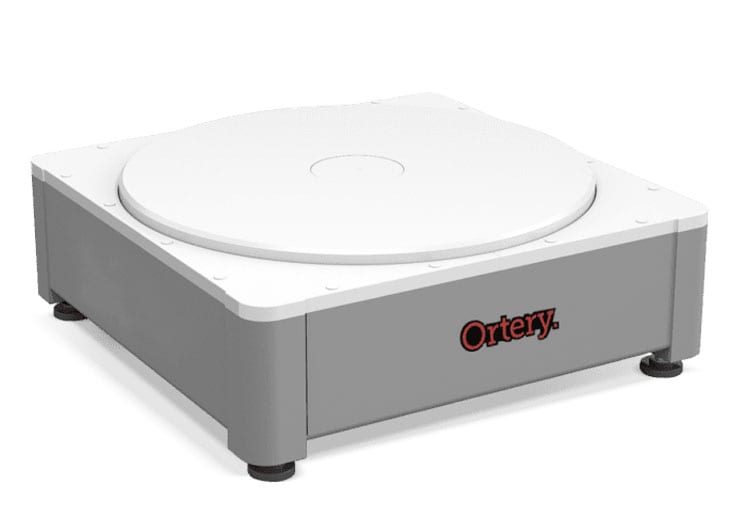
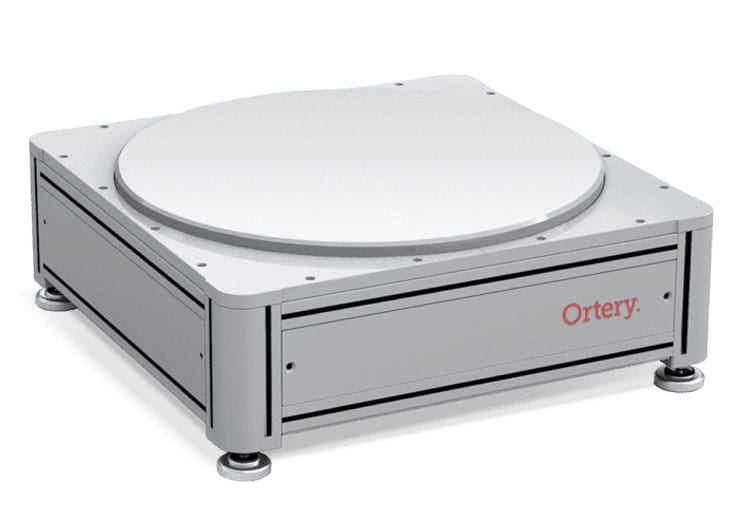
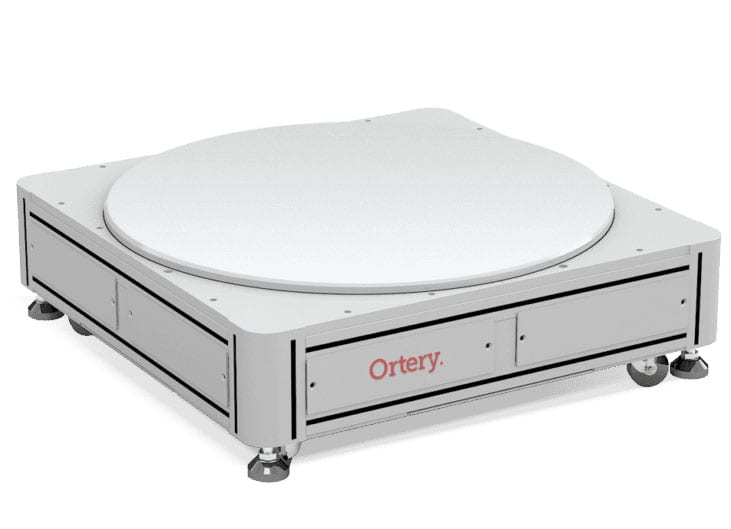
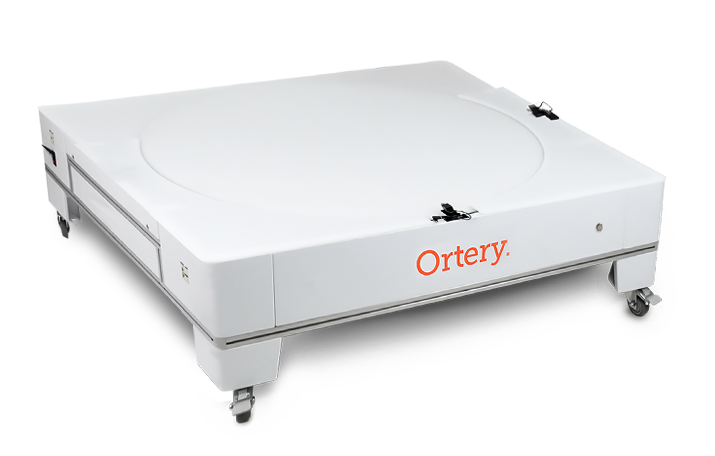
360 Photography Turntables
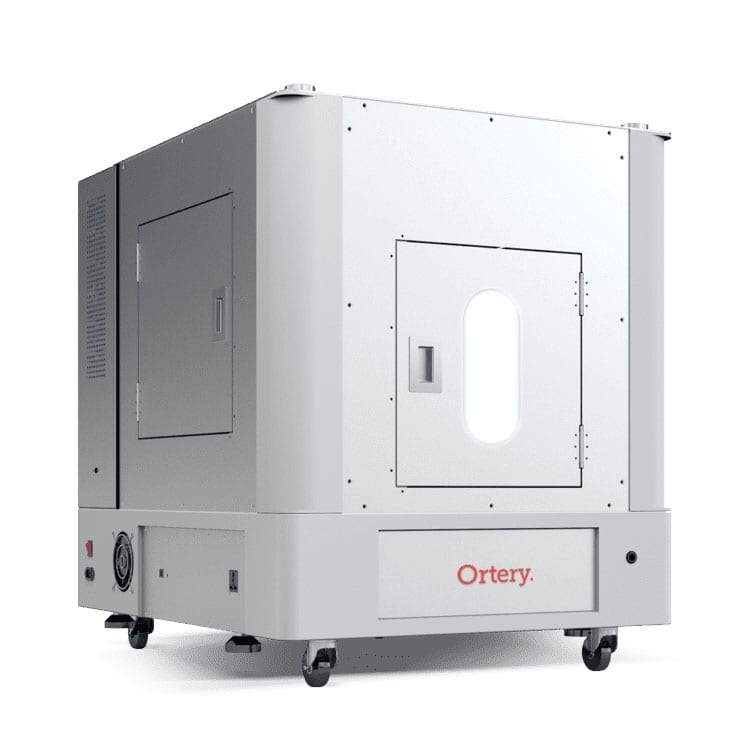
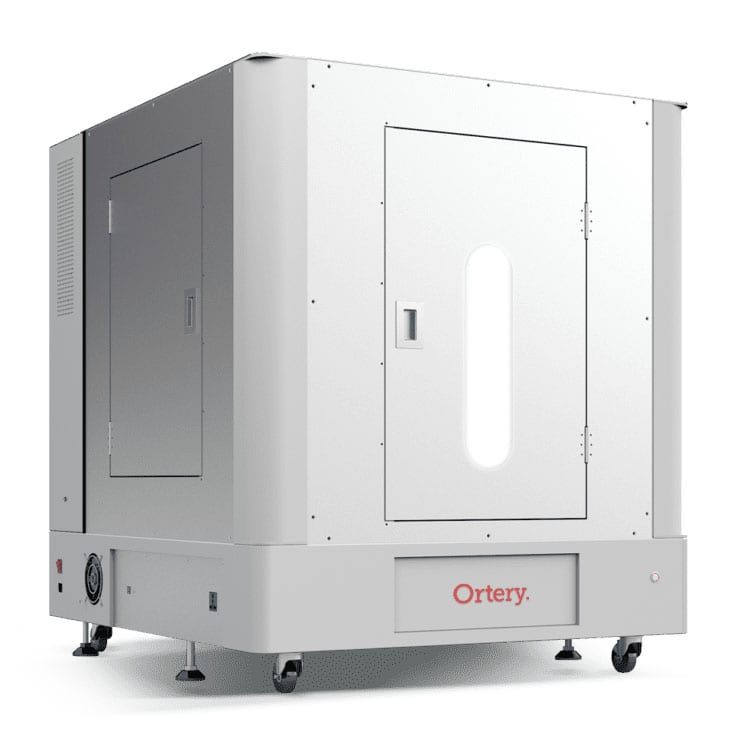
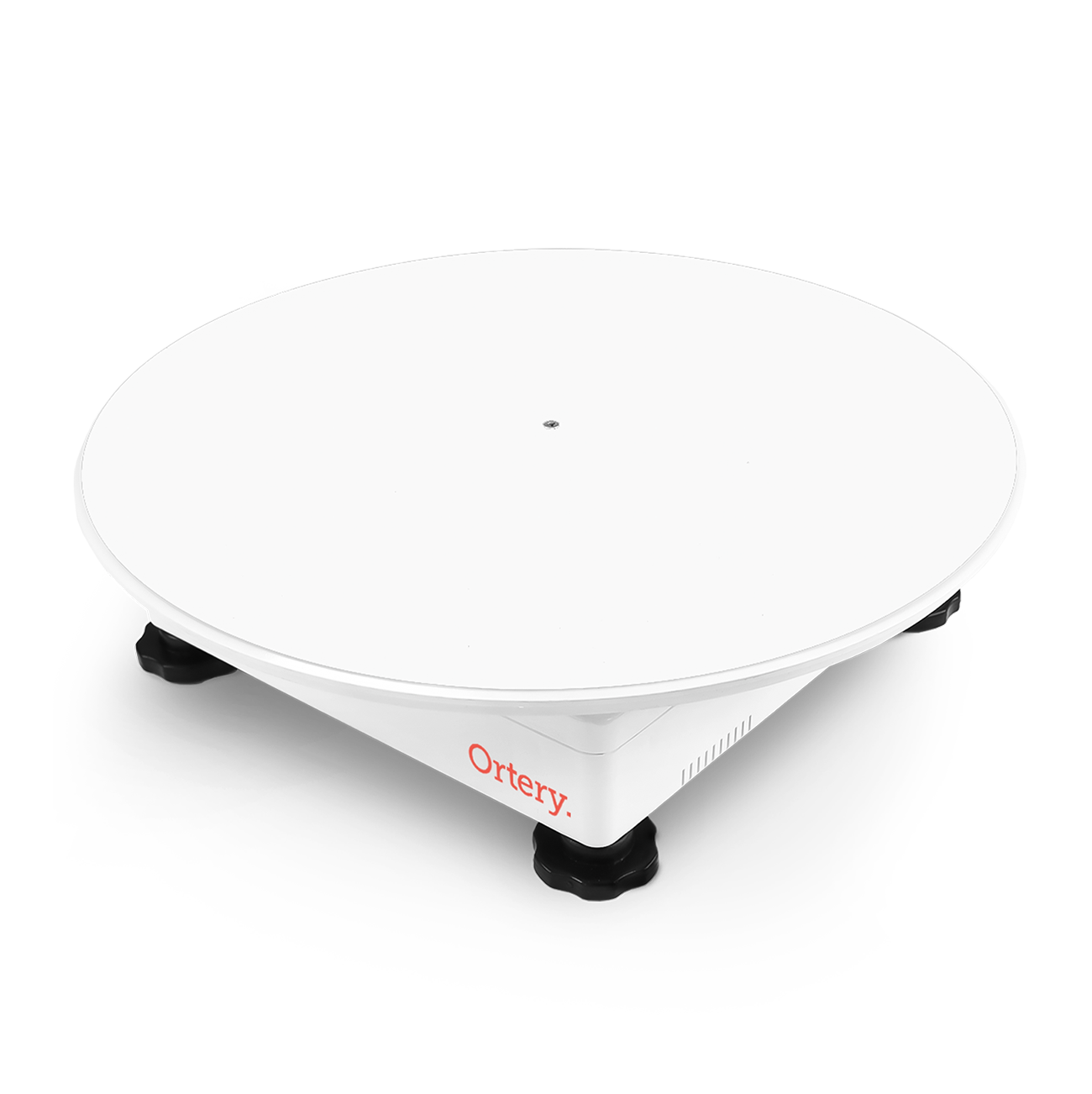
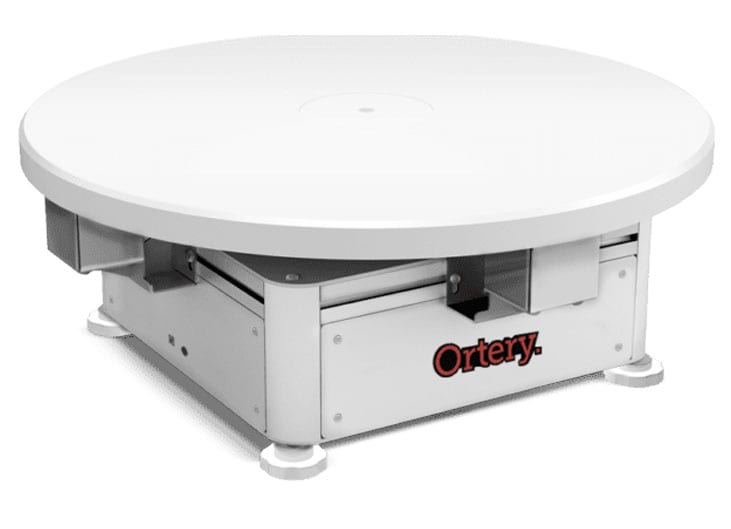
Industry leading 360 product photography turntables for every application and product size. Ortery software integrates and controls a compatible camera, the turntable and optional lighting to automate the 360 creation process. From product placement and automatic shooting to batch editing and stitching, the best settings can be memorized and reused to increase productivity.
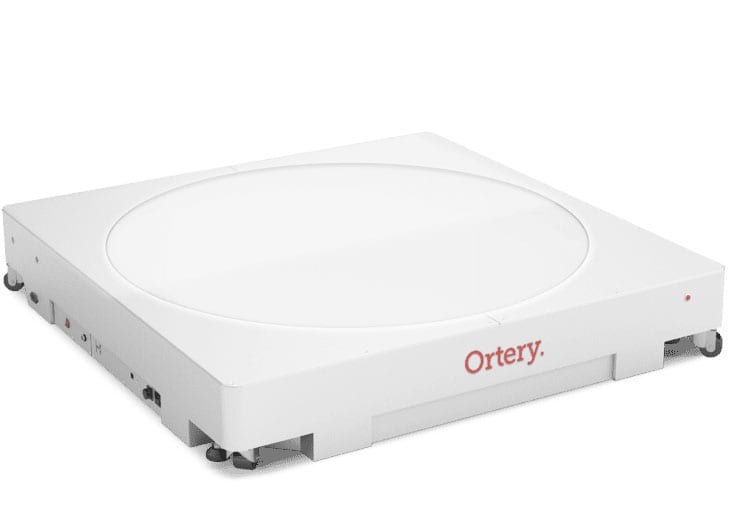
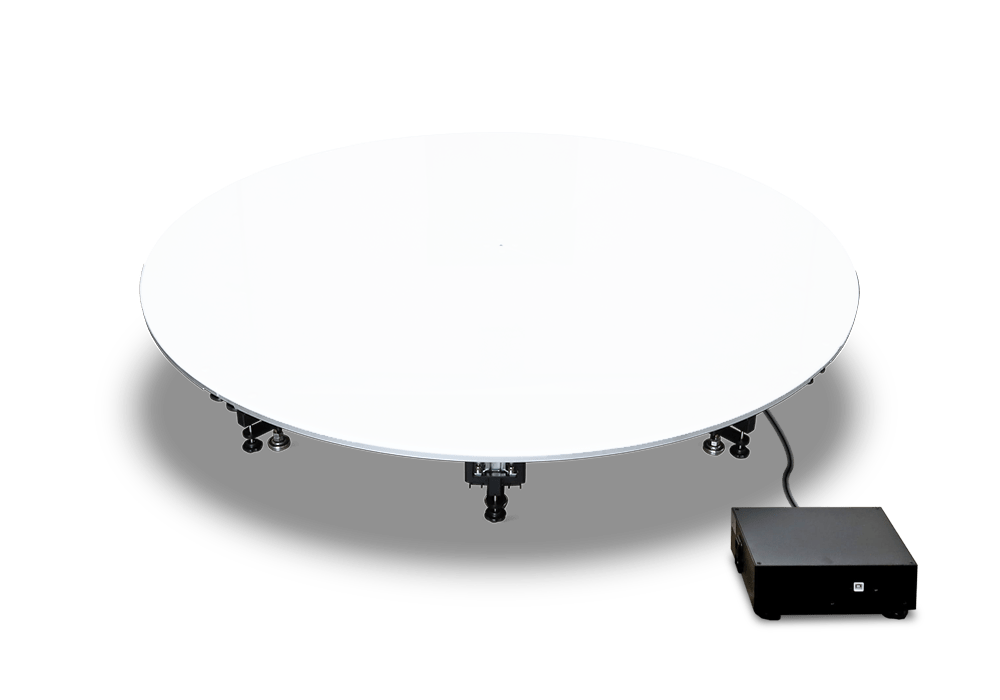
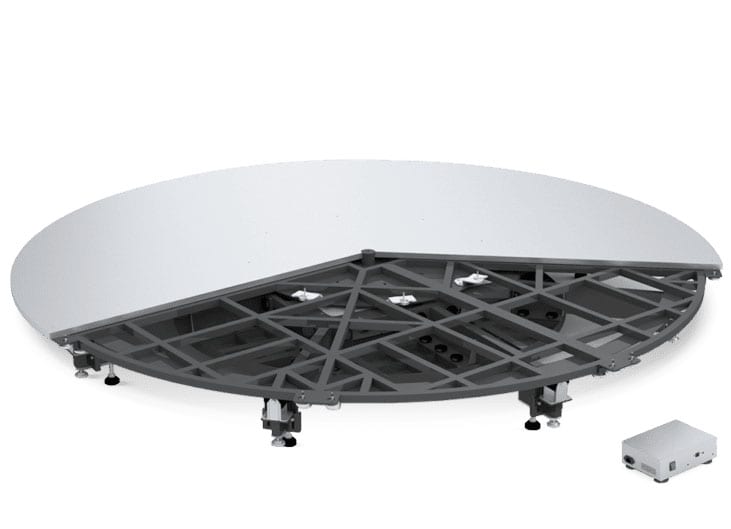
Model and Mannequin 360 Photo
Light Box Studios
Save time and space shooting mannequins and models with these embedded product photography turntables and lighting.
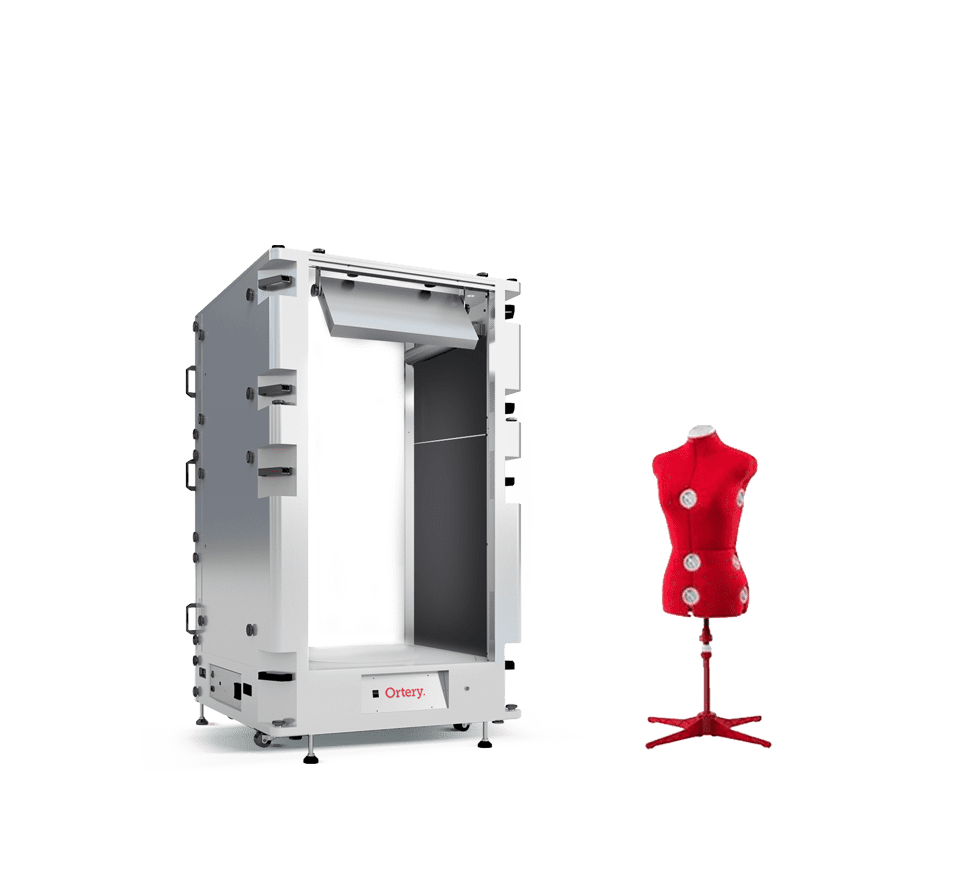
The 360 Phenomenon
Ortery started creating 360 product photography turntables in 2006. As companies continually adopt better ways of communicating product value, the need to create 360 product views has only grown.
360 animations are commonly used in eCommerce because of thier ability to:
- Increase eCommerce conversion rates
- Make online shopping fun, with 360° interactive animations that can be played with
- Provide more information. Hotspots, annotations, links and other realated info can be added
- Keep potential customers engaged and on a website longer
- Build consumer trust. Seeing a product from every angle before purchasing is important
- Reduce product returns
- Provide an easy and intuitive viewing experience for large items online












Ortery Advantages
Capture Speed and Efficiency:
Our product photography turntables are always part of a larger workflow. Software controls each component and sequential action to streamline the completion of the entire task. Along the way, best settings can be reused to simplify and increase productivity. Our workflows were specifically designed to produce Standard Operating Procedures while maintaining the ability to be creative.
Built To Last and Perform
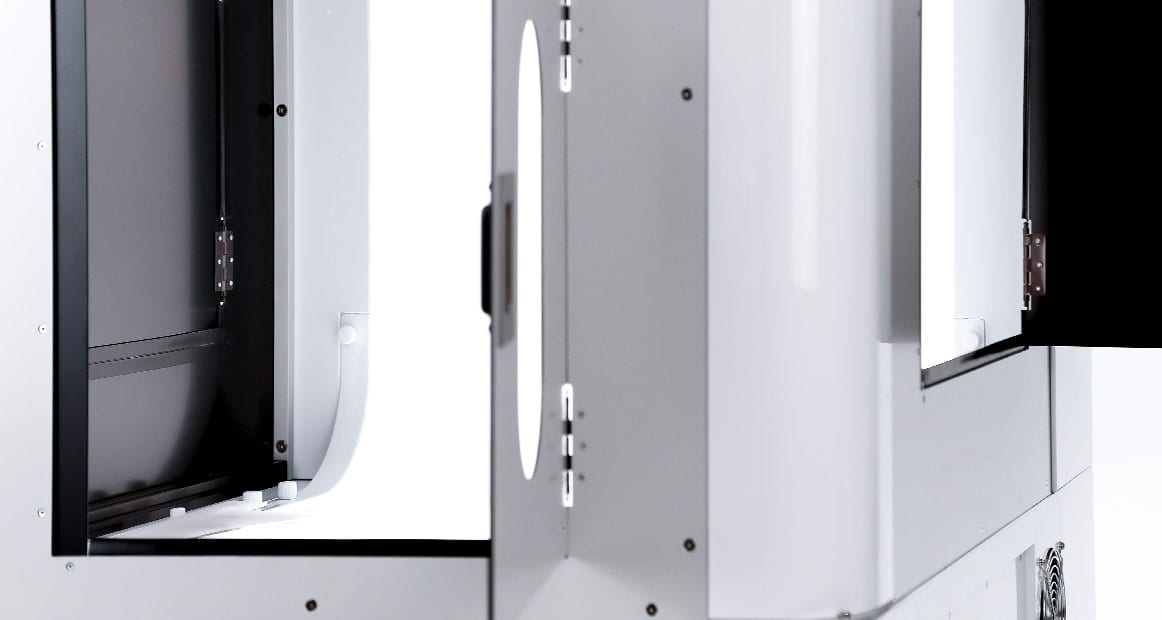
Ortery products are fully battle-tested.
- 360 Wobble-free technology
- Product Centering Features
- Extremely Accurate Rotation
- Fast Capture Speed
Edge-Driven Technology
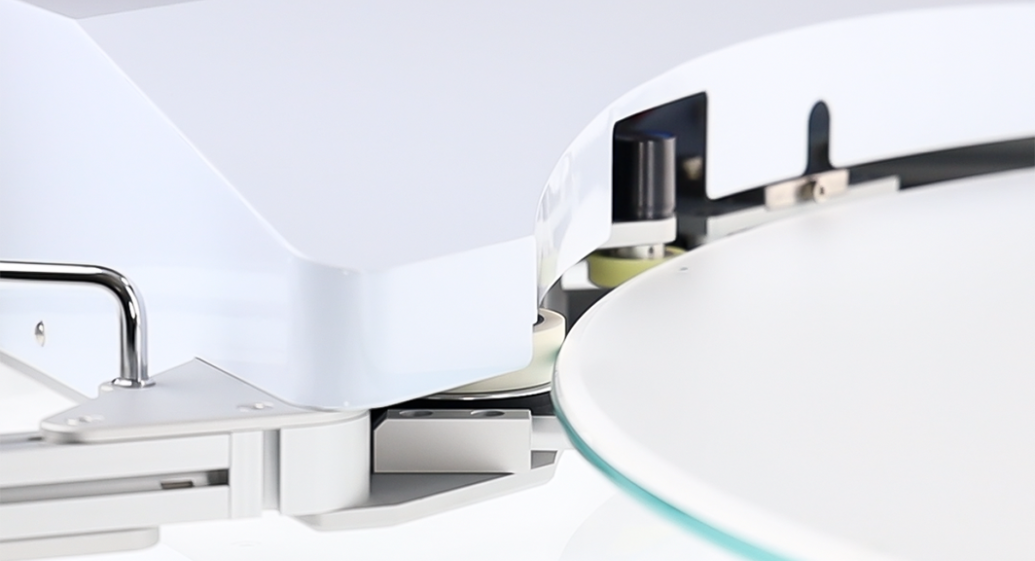
This patented, breakthrough allows users to:
- Control and dim LED light from the bottom
- Easily capture product shots and 360 photos on pure white or transparent backgrounds
- Adjust Turntable Speed
More Possibilities
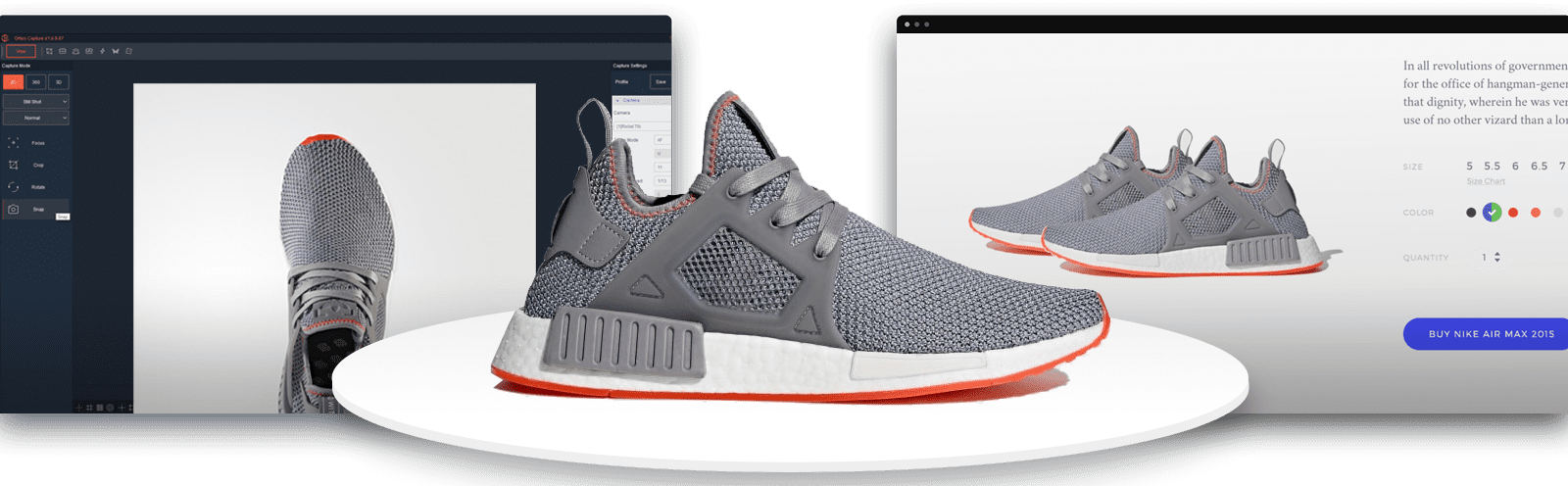
Buy a 360 turntable and get more than just 360's. Create everything you need: Professional stills, 360 animations, videos, animated GIF, image sequence workflows, fans, close ups and more. With hundreds of output options, you create how your 360 product views will look and be interactive.
Output:
- JPG, TIFF, RAW, PNG, MASK
- HTML5, WebP, GIF
- MOV, MP4
Use 360 Animations Everywhere

Our HTML5 and WebP 360 Animations can be used online on all platforms and browsers. They can also be easily shared and viewed offline.
- Fully responsive
- Optimized for mobile viewing
- Custom plugins and a 360 implementation guide are offered to Ortery customers - free


Image Sequence Workflows
Need to shoot all of your products from the same 5 angles? Image Sequence workflows allow you to automate your product photography specific to your output needs. Use different cameras and angles to create a custom shooting profile then use it to automate image capture from those angles. Its just that easy!
Take Your 360 Product Views a Step Further
DualView 600 works with any Ortery solution that has a turntable to create dual row 360 degree product views.

Integrated Hosting
Automatically SHOOT & upload content to the web
With this integrated solution, you can save images, 360 animations and videos you create directly to the cloud where they can be quickly shared via email, displayed on a web page or used inside an eCommerce website. Ortery Cloud is the most efficient way to go from image capture to online product display.

AI Background Removal
ANY PRODUCT. ANY ANGLE. ANY INDUSTRY.
Using advanced object recognition and color separation, Ortery's Al Background Removal delivers fast, professional results in seconds.
Plans starting at $12/month - Get started today!
Results May Vary.
Engaging Product Views
Add excitement to your website with HD imagery & 360 views, allowing customers a tactile experience via rotate, pan and zoom capability.