You are Browsing Ortery ProductsOrtery Technology is quite excitingExamples of fine photographyblogOrtery support is excellantContact Ortery Today for assistance

Photosimile 5000
The World's First Office Photography Machine

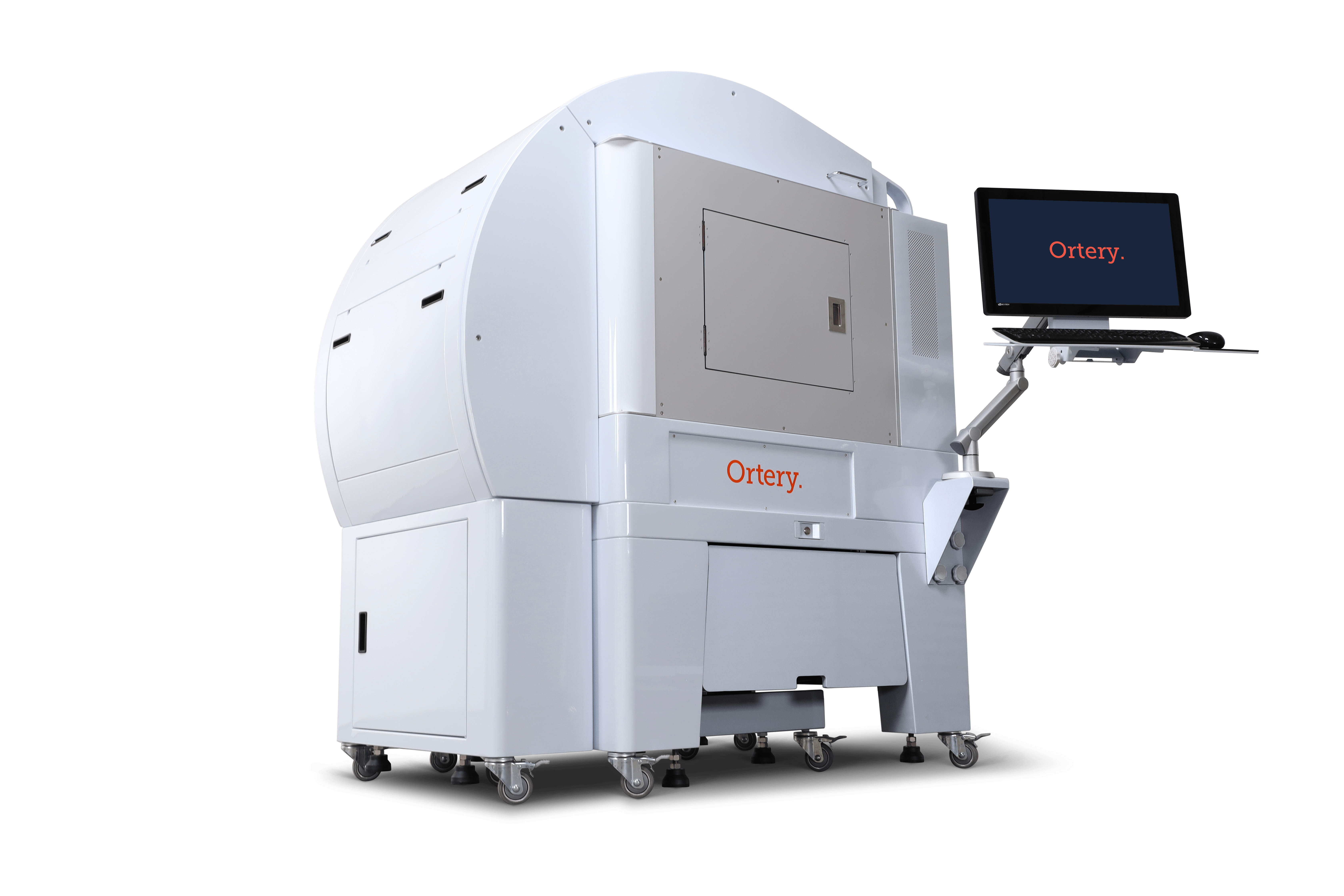
Imagine walking up to this new office device, placing an object inside, and seconds later walking away with a professional photo (or animation) for immediate use in all print, web and email communications. Taking its name from “facsimile”, Photosimile 5000 is the next generation imaging device for the office.

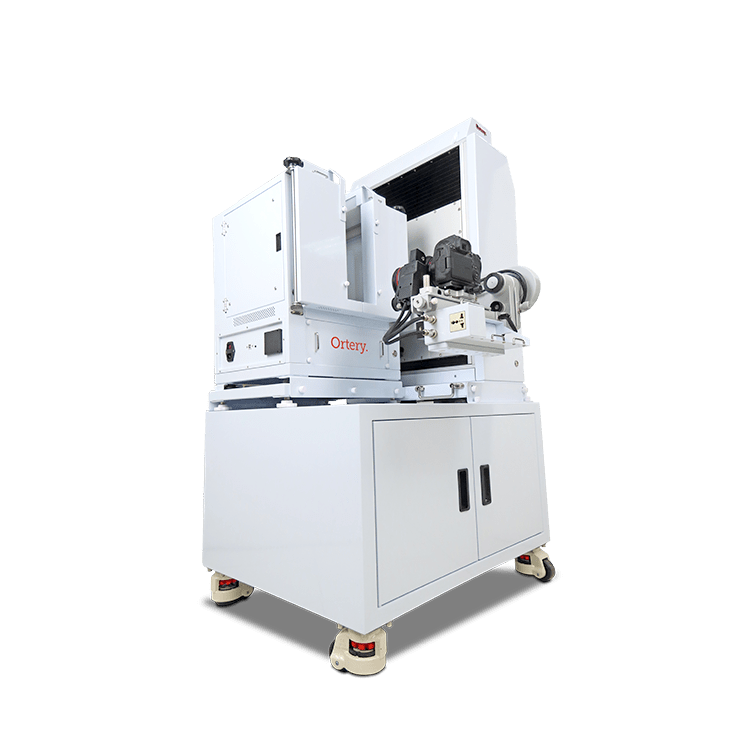
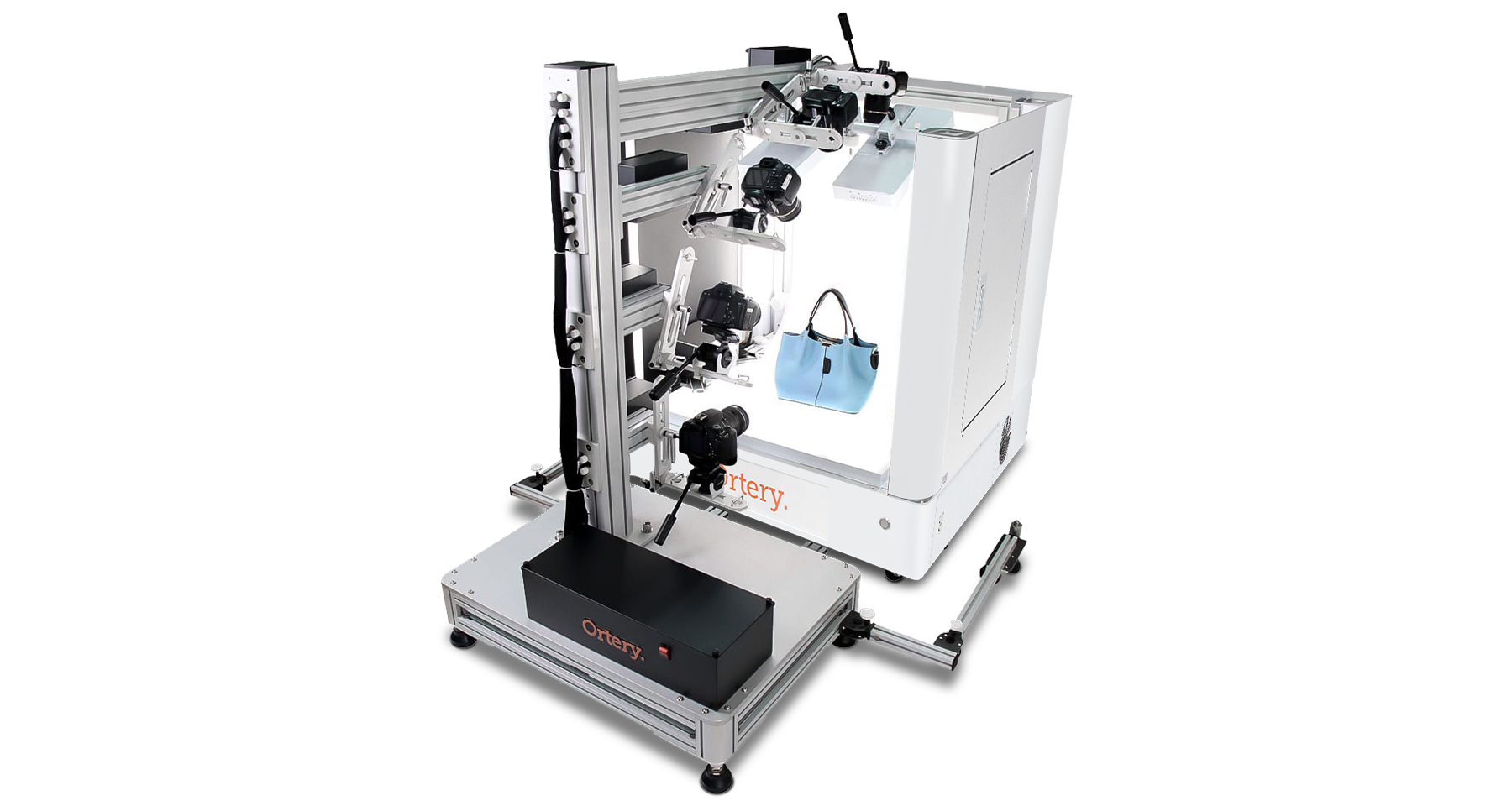
Featuring a 28" x 28" x 28" daylight-balanced photography studio, a compatible Canon Rebel SLR camera and powerful system control software, Photosimile 5000 makes it easy to create professional still photos, 360-degree, hemispherical and full spherical product animations .

Everything is software-driven. Users simply click thier mouse to control all camera and studio settings. The result is fully automated, precise image capture and efficient image processing.


Photosimile 5000 is the most innovative and efficient photography automation and 3D imaging tool available. Read about Photosimile 5000 on www.dpreview.com.

For Who?

For companies looking for a pre-configured, automated photography solution that makes it simple and fast to create professional-quality photos and 3D product animations for any application.

For What?

For simplifying and automating still shot and 3D product photography. Applications include: eCommerce, product development, quality control, creating 3D presentation materials and more.

  • Overview
  • How it Works
  • Software Workflows
  • Ortery TruView
  • Benefits
  • Specs

Office Photography Machine

Scanners, fax machines and copiers are limited to capture and output 2D results. Photosimile 5000 expands office imaging to 3D objects by utilizing a digital camera to capture and communicate. The high-resolution results can be sent via email, viewed online, put into print or delivered in presentations.

Its simple to use, just place it by the copy machine and let employees from all departments walk up and use it as needed.

For even better visual communication results, use Photosimile 5000 to create and distribute 360-degree, Hemispherical and full Spherical product animations. The Future of Business Commication - Stop Sending Samples

Create Your Own 360 Degree, Hemispherical and Spherical Product Animations

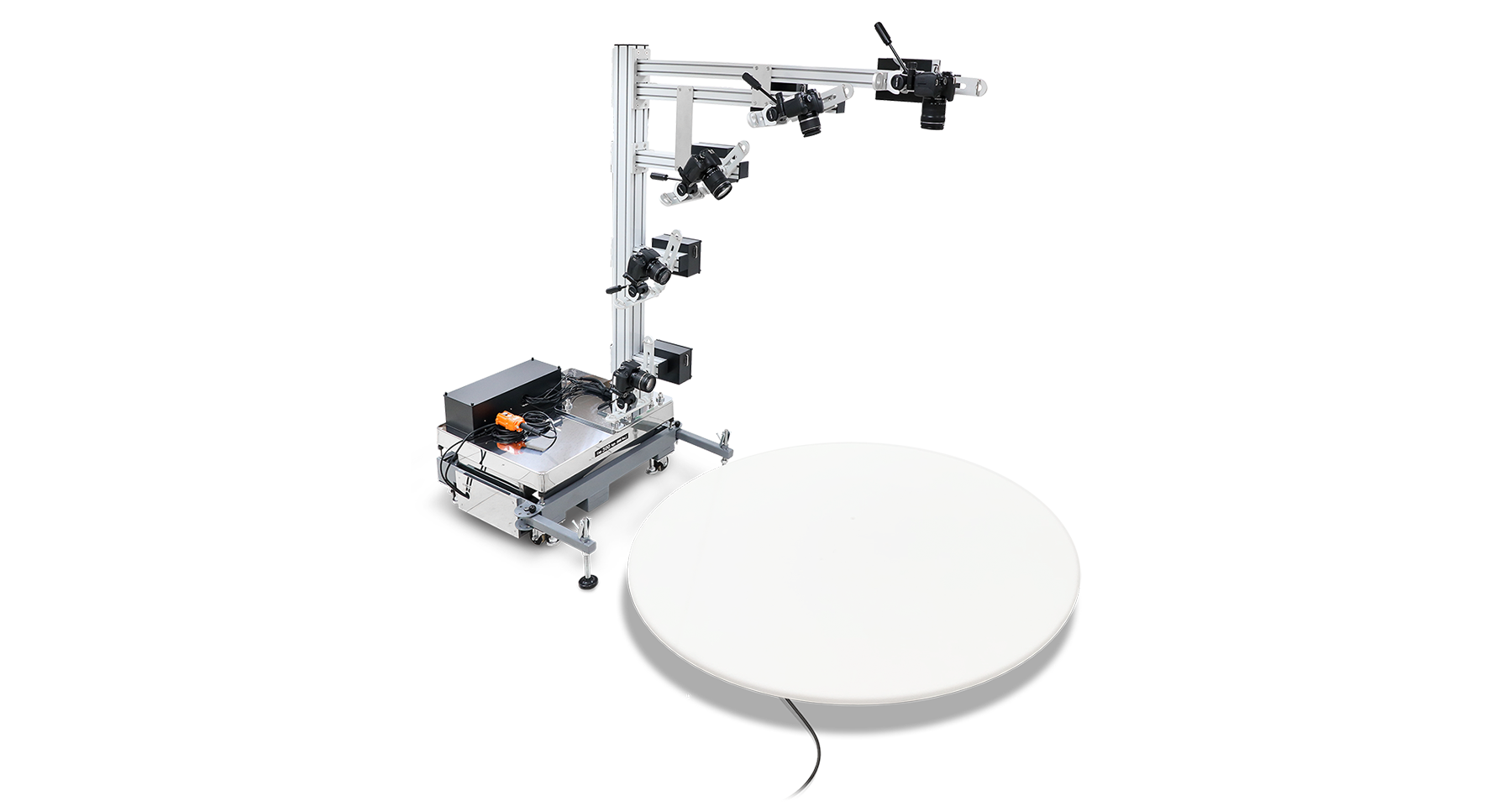
Photosimile 5000 synchronizes turntable movement, camera positioning and picture taking to photograph objects from all angles. Resulting images are automatically stitched together to create animated GIF or Flash files or exported to Ortery TruView Pro (included) to create cylindrical, hemispherical or full spherical animations in Flash, Silverlight, HTML+JavaScript formats that can be viewed on any computer browser or mobile device. Read more about Ortey TruView 3D and 3D animations.

Computer-Controlled

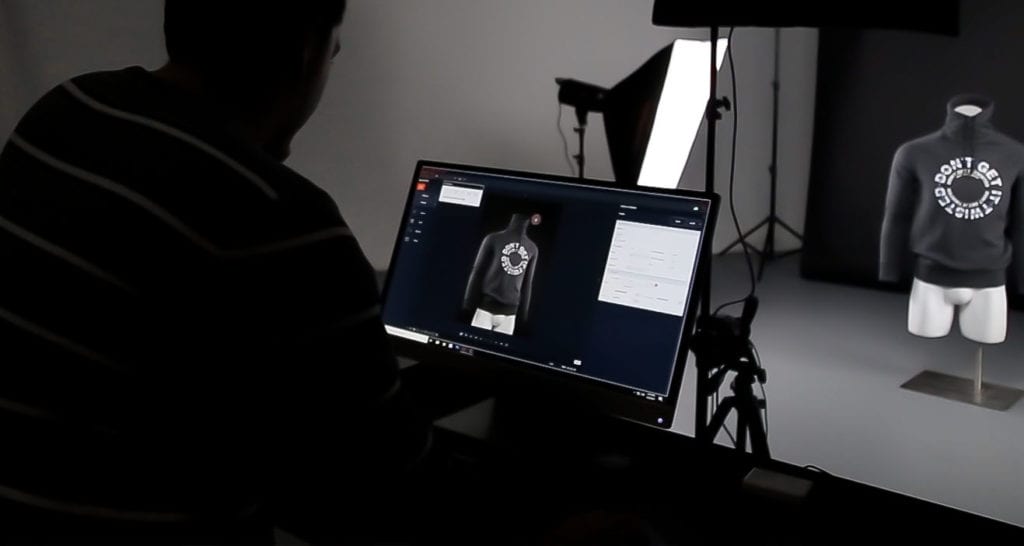
The Photosimile 5000 software controls every aspect of the studio, the camera settings, the camera positioning, turntable movement, picture taking and picture processing workflows. Using your computer to take pictures provides a large real-time preview on the monitor screen, instant image download and the ability to batch process the pictures for publication. Pictures are composed and taken by clicking Preview, Zoom-in, Zoom-out, Crop and Snap in the software. Captured images appear on your monitor within seconds. Pictures can be annotated, masked, emailed and batch processed with regards to naming, resizing, watermarking and saving. Its literally the most efficient and innovative photography tool available.

Mechanised Camera Control - Automatic Adjustment of Position, Tilt and Zoom

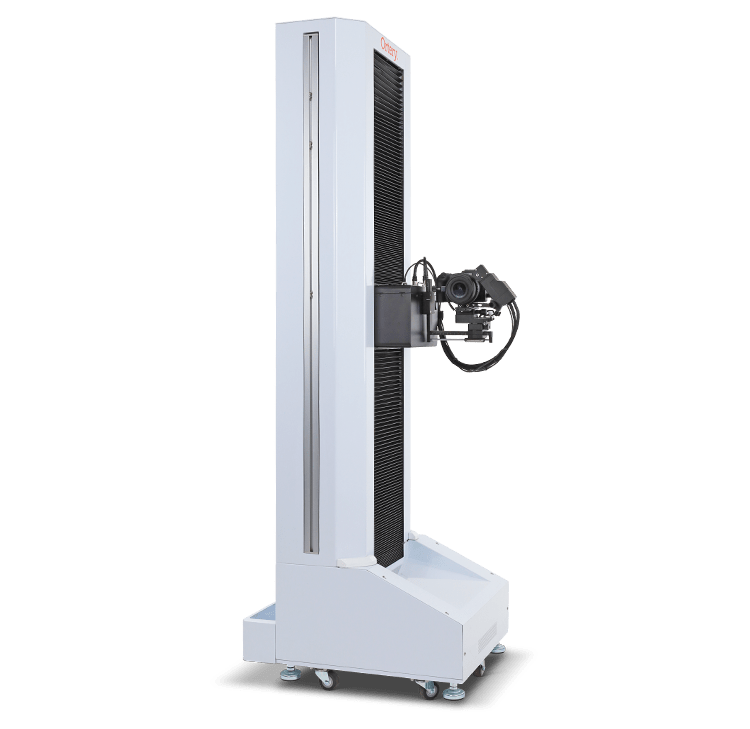
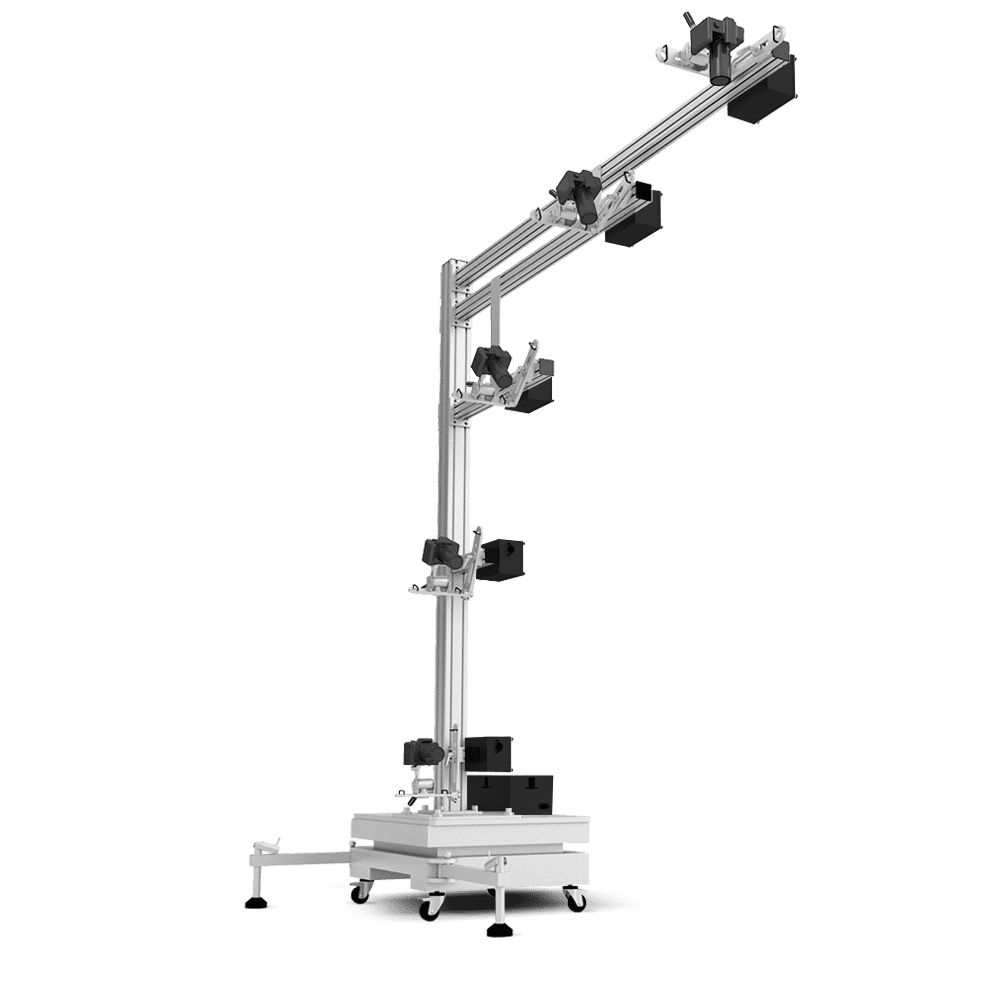
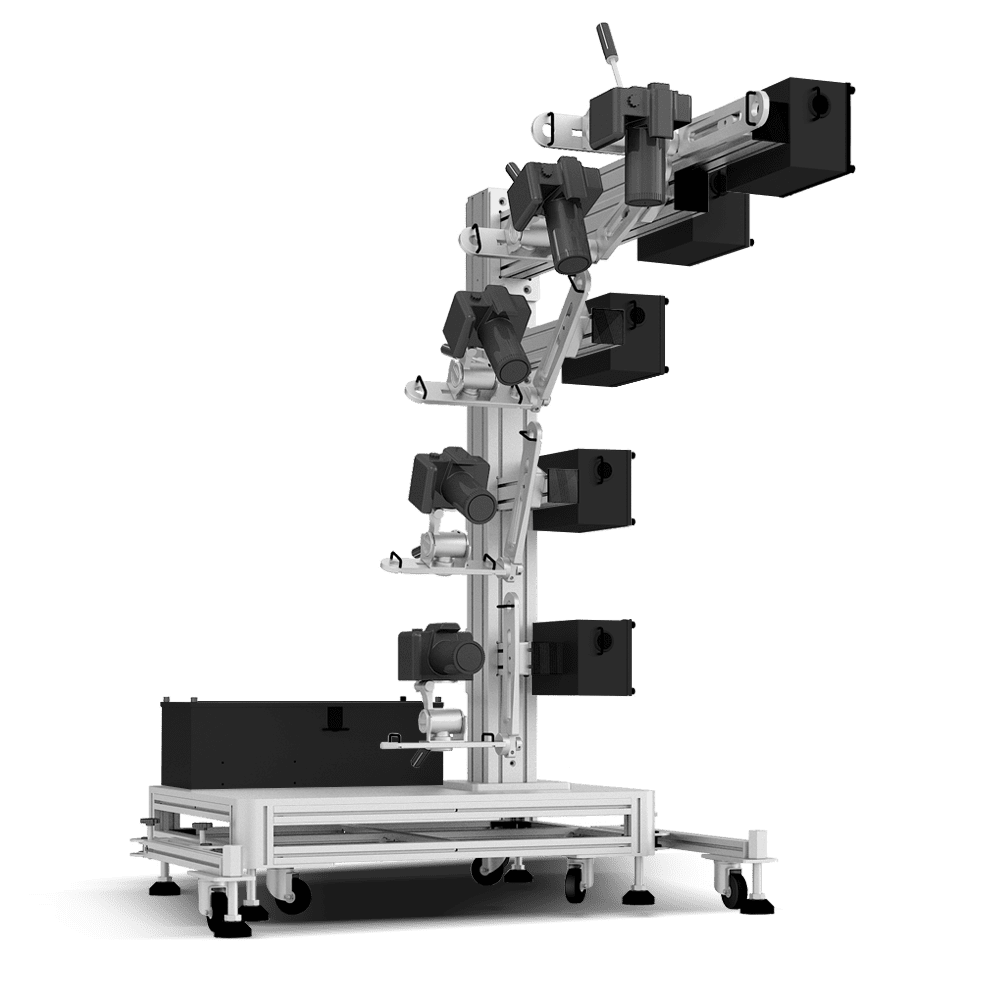
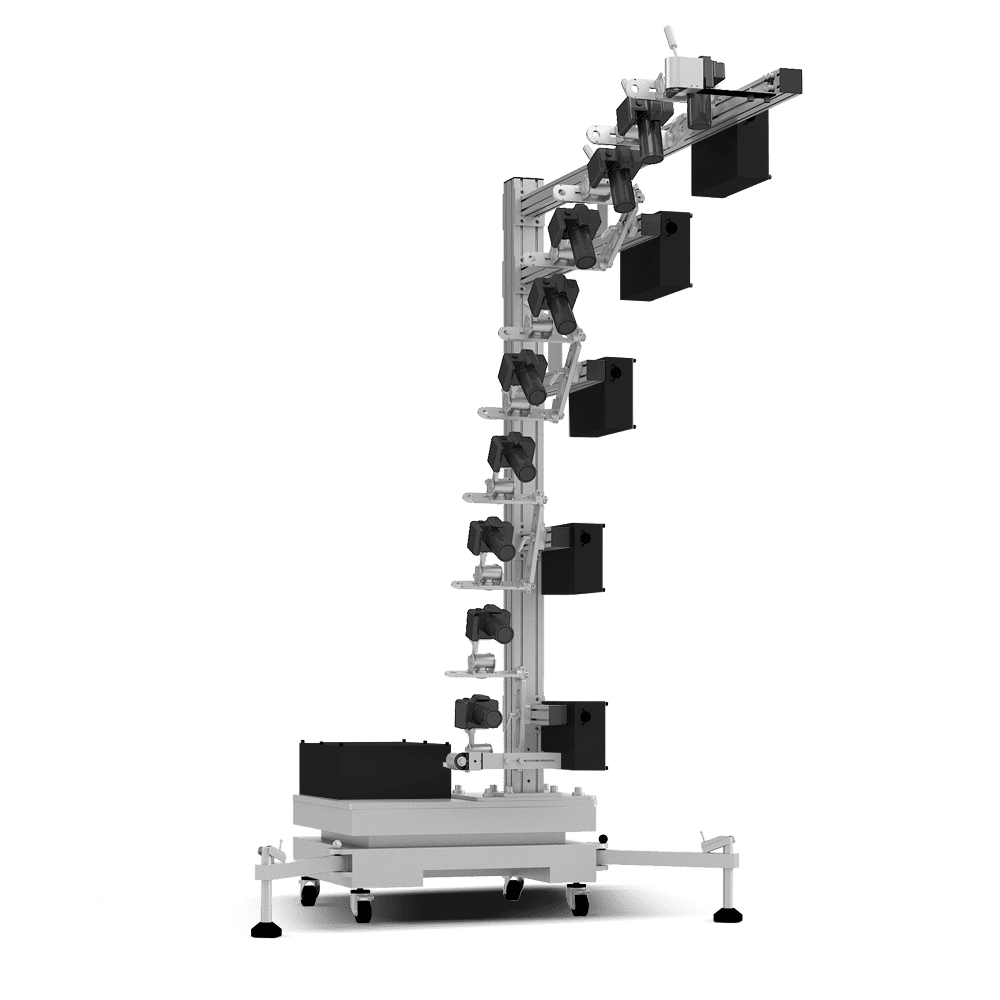
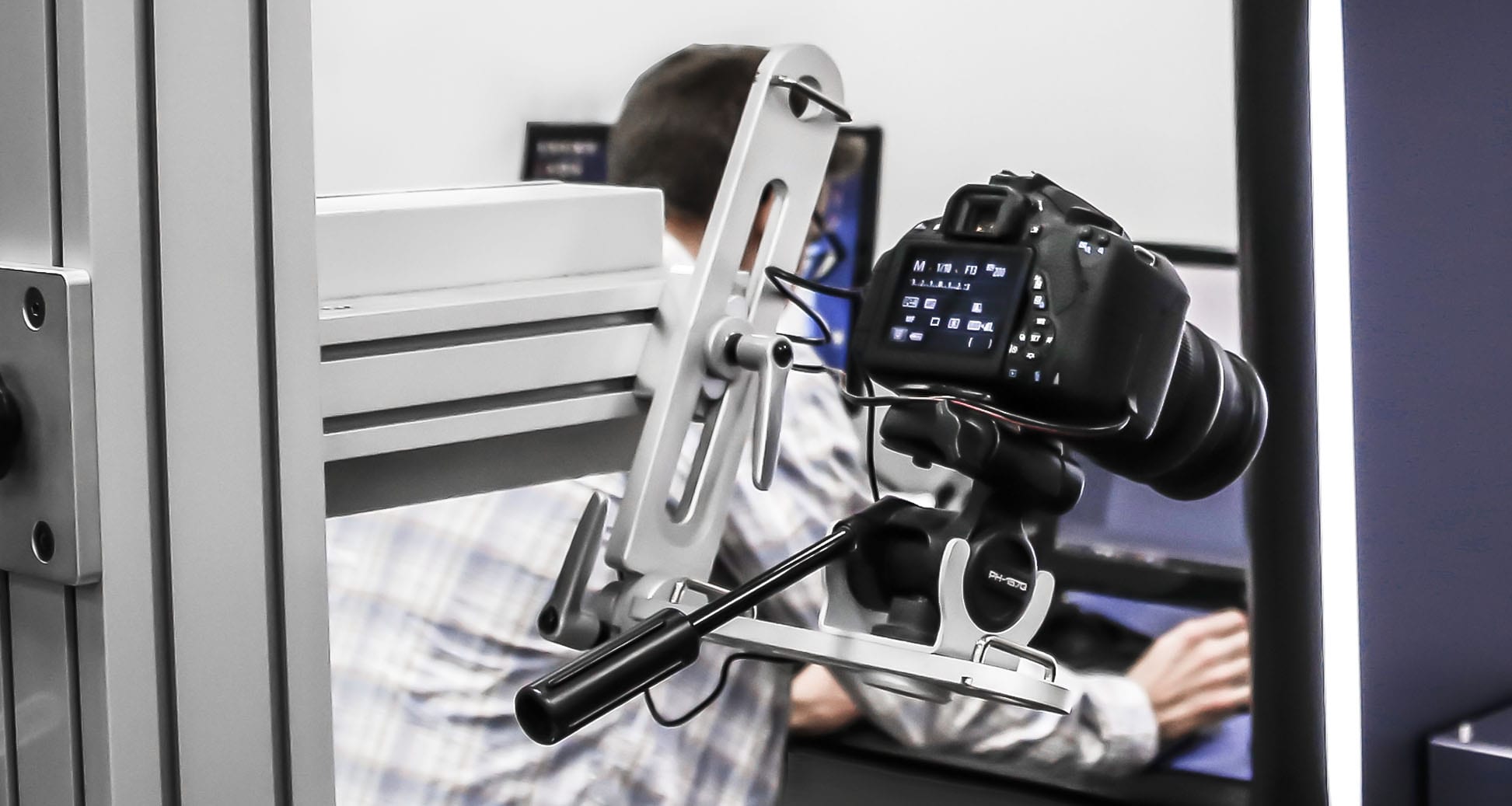
The cameratravels along a rail. All movement is controlled by the Photosimile 5000 software. Users can choose the best shooting angle, tilt angle and camera zoom without touching the camera.

With the 'Custom Define' feature, Photosimile 5000 can be 'trained' to automatically take sequences of images at various angles.


The Right Light

Photosimile 5000 offers uniform, consistent lighting for taking shadow-free, color accurate photos. It utilizes 4 symmetrical, daylight (6500K) bulbs that illuminate objects evenly, almost eliminating the need for editing.

By controlling several variables and providing the user with everything they need in one powerful tool, Photosimile 5000 makes is possible for anyone to create professional photography results.


  • Take Professional Still Photos
      • Place items in the light box
      • Use Photosimile software to:
        ‘Preview’ items on your monitor screen in real time
        Set camera position and tilt angle
        Compose pictures with Zoom and Crop commands (Advanced camera controls are also available for Aperture, Shutter Speed, White Balance and more)
        Click Snap
      • Pictures are automatically sent from camera to PC via USB for viewing, annotation, editing, sending and batch saving. Images can be sent via email. Recipients can download free viewing software with expressive collaboration features. (optional)

    Create 360-degree or Hemispherical Flash Animations

    • Utilize turntable, software and camera positioning system to automatically capture images of a rotating object.
      • Automatically capture and stitch 360-degree Flash animations featuring 4 to 200 pictures / frames
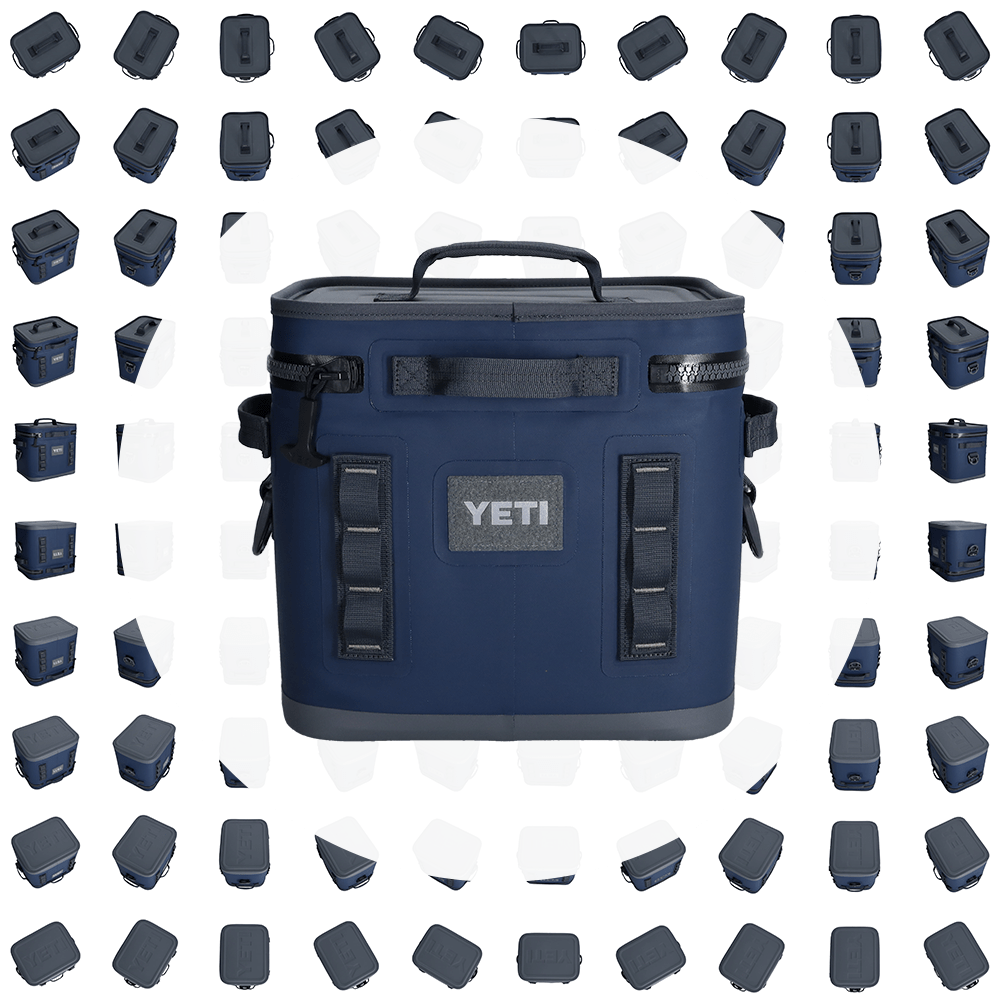
      • Automatically capture and stitch Hemispherical Flash animations featuring 10 rows and up to 24 pictures per row


    Create Animations Featuring Deep Zoom in full Spherical, Hemispherical and Cylindrical Formats withOrtery TruView Pro

    • Clicking the Ortery TruView 360 or Ortery TruView 3D buttons in the software, Photosimile 5000 will automatically capture images in a cylindrical, hemispherical or full spherical format.
    • The captured images are properly named, sized and saved in one folder for immediate export to the Ortery TruView Pro application.
    • Ortery TruViuew Pro composes the individual JPG images to into Cylindrical, Hemispherical or full Spherical animations in Flash, Silverlight or HTML+JavaScript formats for online or offline viewing.


    Every feature inside Photosimile 5000 is part of a workflow that assists the user in taking and processing images for immediate use in a related application. The integrated nature of Photosimile 5000 makes it the most efficient photography / communications tool available.


    Photosimile 5000 System

    A Fully Integrated System
    Software controls the following Photosimile 5000 features to automate the image capture and image processing workflows:

    • Lighting
    • Picture taking
    • Camera position (angle, tilt and zoom)
    • Camera settings
    • Turntable movement
    • Batch Image processing and stitching

    Everything works in unison to simplify and automate product photography.


    Camera Position, Tilt and Zoom Controlled via Software
    With a click of your mouse, the built-in camera moves up and down the rail. Super precise, the camera can be automatically and repeatedly delivered to 99 (hands-free) positions available between 0 and 90-degrees on the rail.

    Software also controls camera tilt. Tilt adjustments can be made manually or one at a time for fine adjustments or camera tilt can be set so that it automatically points at the same position as the camera travels up and down the rail.

    Although Photosimile 5000 utilizes a SLR camera, camera zoom (zoom in and zoom out) are controlled with a mouse click in software.


    Complete Camera Control via Software
    The camera is connected to your computer via USB so commands such as Zoom in, Zoom out and Snap can be controlled with your mouse. A real-time preview on your monitor screen allows you to compose and view the image before the picture is taken.

    Similar to zoom and snap, all camera settings (apeture, shutter speed, exposure, ISO, etc) and camera positions can be set using the software.

    Real-Time Preview


    Real-time Preview
    What you see is what you get! As changes to camera position (zoom, tilt or angle) or camera settings (aperture, shutter speed, ISO, etc) are made they appear in real-time on your monitor screen. This assists you in properly composing the picture before it is taken.

    For creating 360-degree or 3D animations, a real-time preview is essential. Seeing the object spin in real-time allows you to:

    • Correct object position
    • Pre-crop
    • Optimize camera settings
    Pre-Cropping

    Pre-Cropping
    In Preview mode click Crop and then drag the crop markers to select the area you want to keep in the picture. Keep only what you need, not everything the camera sees. Saves time by eliminating the need to edit / crop the image later.


    Automatic Image Download
    Pictures in JPG or RAW format are automatically transferred from camera to computer within seconds and displayed on the monitor for immediate viewing, editing and saving.

    You will know whether you got a good shot before removing the item from the shooting area.


    Image Processing Features
    Increase speed & efficiency. Photosimile includes image annotation and email capabilities, batch saving, resizing, naming, watermarking, masking and several image editing features such as brightness, contrast, saturation and sharpness. Images can also be directly exported to any editing program.

    Image Annotation

    Image Annotation
    Draw and write on images to communicate more precisely then directly send them via email from the program to vendors, colleagues and customers.

    Batch Watermarking

    Batch Watermarking
    Place your logo or website address right on the images you take for increased marketing or protection. Images can be batch watermarked every time they area saved or sent from the program.


    Image Stitching and Composition - Create 360-degree and 3D Product Animations
    Pictures taken with the system can be automatically stitched using the Photosimile 5000 software to create interactive, multi-angle product views in the following configurations:

    • 360-degree animations in Flash (4-types) and GIF formats
    • Hemispherical Flash files containing up to 10 rows
    • Ortery TruView 3D files featuring deep zoom at all angles

    See Example Animations


    Image Export / Import
    Sequences of captured images can be exported for stitching inside popular programs such as Flash® and QuickTimeVR® or for editing in Photoshop then re-imported to the Photosimile program for stitching.

    Images can also be exported to Ortery TruView 3D for composing and presenting objects online or offline in either Cylindrical, Hemisperhical or full Spherical formats.


    User Defined
    If your workflow requires each product to be repeatedly shot from the same angles, thenthe User Defined feature is for you. User Defined allows the user to program Photosimile 5000 so that the camera will automatically move to and take pictures from pre-defined locations. At each position, the camera position, turntable angle and camera tilt are recorded and saved as a sequence. When the sequence is replayed, pictures are automatically captured from each angle. There is no limit to the amount of sequences that can be created and saved in the program.


    Ortery TruView Pro

    Photosimile 5000 comes with Ortery TruView Pro. This breakthrough image authoring program takes ordinary JPG photos and turns them into amazing product animations with click-and-drag mouse control and deep zoom capabilities. With Ortery TruView Pro you can create full spherical, hemispherical and cylindrical product animations in Flash, Silverlight and HTML+JavaScript formats.
    See Ortery TruView Pro Examples 

    Cylindrical (360-degrees)

    Automatically Create…

    Product Animations Featuring:

    • High Res. Photo Quality Results
    • Deep-Zoom Capabilities
    • Smooth Click-and-Drag Mouse Control

    Utilizing 3D animations to communicate a product's value is a growing business trend.  Ortery TruView Pro product animations can be:

    • Sent internally for local viewing
    • Distributed and viewed online
    • Distributed and viewed on mobile devices
    • Implemented into Powerpoint and other presentations

    Each animation features interactive, click-and-drag mouse control and deep zooming capabilities. Animations created in Silverlight also feature image tagging capabilities.


    “It's like having the product in your hand.  You can view and zoom the product from any angle, including underneath.”

    Full Spherical

    Create Full Spherical Animations
    Photosimile 5000 plus Ortery TruView Pro is the only integrated solution capable of automatically creating full spherical product animations. Full spherical with deep zoom!

    Take up to 240 pictures of an object (240 unique angles) in less then 20 minutes. With Photosimile 5000, image capture is fully automated and the images are automatically named and saved to a folder that can be conveniently imported into the Ortery TruView for final composing.

    “HTML5 output for all Computers and Mobile device”

    Perfect for eCommerce and mCommerce
    Give your online and mobile customers the information they need to make a purchase with confidence! Ortery TruView is the closest thing online to actually touching the product.

    Ideal for business communication
    Send interested parties 3D animations instead of a samples. It costs less and gets there faster. The ability to deep zoom leaves nothing to the imagination. If you compose the animation in Silverlight, you will be able to add image tags to the animation that highlight specific features.

    Buy Once, Use Forever
    Create as many animations as you like… you own it. Host your own images.


    Computer-Controlled Photography Studio

    Photosimile is an all-in-one solution. The combination of lighting control, a digital camera and control software eliminates many of the variables associated with producing professional-quality pictures, making it simple to use and produce excellent photography results.

    Maximum Workflow Efficiency

    Photosimile 5000 simplifies and automates the process of creating professional quality photographs and animations for Web, print and business communication. The software was specifically designed to make photography easy and to speed up image capture and image processing workflows.

    Automated Spherical, Hemispherical and 360-degree Image Capture

    This unique solution fully automates image capture for the creation of 360-degree, hemispherical and full spherical animations.

    For 360-degree and Hemispherical Flash animations without deep zoom, Photosimile 5000 also automates image stitching and .swf creation.

    For animations with deep zoom, the output from Photosimile 5000 image capture can be quickly exported to Ortery TruView for composing into full spherical, hemispherical and cylindrical animations in Flash, Silverlight and HTML5 (coming soon) formats.

    Ortery TruView Pro Software

    Photosimile 5000 and Ortery TruView represent a new imaging platform capable of offering interested parties online and offline versions of interactive, click-and-drag animations with deep zoom. This new combination gives companies the ability to take their eCommerce and daily business communications to the next level.

    For eCommerce, offering a better product view increases conversion rates and customer satisfaction.

    For business communication, Ortery TruView animations allow companies to communicate more effectively. Creating and sending digital 3D animations almost eliminates language barriers and the need for sending samples which can dramatically increase product development efficiency and time to market.

    Custom Define Feature Automates Repetitive Photo Sequences

    Photosimile 5000 simply records the necessary camera positions and turntable angles to create a sequence of pictures. When this sequence is replayed pictures are taken while the camera and product automatically move from position to position.

    Real-Time Previewing - Ideal for Composing, Zooming and Cropping

    Know what the picture or animation is going to look like before you take it. Previewing puts the camera in video mode so you can properly compose the picture or animation while viewing it in real-time on the monitor screen.

    While previewing, objects can also be pre-cropped so when the pictures are captured they are automatically cropped.

    Previewing is great for still shots but its absolutely necessary for 360, hemispherical and spherical animations.

    Automatically Download Photos from Camera to Computer

    This software driven system saves mouse clicks and time with each picture taken. After pressing Snap to take the picture, the image automatically downloads and appears on your monitor screen within seconds.

    Immediately seeing the results on your computer allows you to make changes and take the perfect photo while the object is still inside the studio.

    All-In-One Office Solution for Taking Professional Product Photographs and Animations

    Anyone can walk up to a Photosimile studio, place an item inside and take a professional picture. Once the picture is obtained, the image processing workflows built into the software can be used to efficiently transform the image into exactly what’s needed for almost any application.

    Fast Production Tool for Large Projects

    Photosimile was built for speed. Our customers can attest that Photosimile is able to produce thousands of professional still, 360 degree, hemispherical and full spherical pictures in just days! No project is too large and Photosimile makes product photography profitable... in-house.

    Surround lighting, the right type light, the right light intensity and special light diffusion provide a controlled and ideal environment for shooting almost anything that fits inside the studio. You can expect to spend much less time (if any) editing images taken with Photosimile 5000.

    Batch Image Processing

    Tremendous efficiencies are obtained by using one program to manage all image capture and processing workflows. Photosimile utilizes batch processes for the following:

    • Picture taking
    • Watermarking
    • Saving
    • Resizing
    • Naming
    • Applying image resolution
    • Transferring files by ftp
    • Editing (brightness, contrast, saturations, sharpness)
    • Import and Export
    Powerful Business Communications Tool – Take, Annotate & Send Photos in Seconds

    Photosimile 5000 changes how businesses communicate on a daily basis. It's simple. Anyone can use it. By taking a picture, annotating it with drawings and text then sending it via email, there is no room left for misunderstandings. Photosimile is perfect for companies that manufacture overseas or communicate across multiple locations.

    Premier Fit & Finish, Constructed with Brushed Aluminum

    Photosimile 5000 is made with excellent craftsmanship and quality. It comes with a one-year warranty and free technical support for the lifetime of the product.

    Create Full Spherical Product Animations

    Photosimile 5000 allows you to automatically take up to 240 pictures of an object from 240 unique angles and compose the results into an interactive animation that features:

    • High resolution photo quality
    • Click and drag mouse control
    • Deep zooming capabilities

    These animations can be created in Flash, Silverlight and HTML5 (coming soon) for enhanced vidual communication in almost any application.

    • eCommerce
    • Product development
    • Mobile commerce
    • Quality control
    • Powerpoint presentations and more...


    Outside Dimensions (L x W x H):

    45" x 28.5" x 34.5"

    Internal Dimensions (L x W x H):

    28" x 28" x 28"

    Weight:

    135 lbs

    Shipping Weight:

    150 lbs

    Maximum Target Size: (L x W x H)

    Still Shots:

    Top shots: 25" x 18" x 14"
    Side shots: 22" x 22" x 22"
      360-degree Animations: 14" x 14" x 11"
      Hemispherical and Spherical Animations: 8" x 8" x 11"

    Maximum Object Weight (for 360 Degree Rotation):

    25 lbs.

    Digital Image Resolution:

    Canon EOS Rebel with 10.1MP

    Power Requirements:

    Standard 110V (220V units available)

    System Requirements

    • Windows® XP SP3 or higher
      Windows® Vista SP2 or higher
      Windows® 7
      (Administrator Account for Windows® XP/Vista/7)
    • CPU: Intel Pentium 4 running at 2 GHz or higher
    • RAM: 2 GB or more
    • VGA: DirectX 9.0c compatible video card, Min. 1024x768, True color
    • Internet connection with active email account (optional)
    • Min. 1 USB Ports, CD ROM drive
    • 'OrteryTruView Pro' requirements:
      • .NET framework 3.0 or above
      • HDD: 4GB
      • 128 MB DirectX 9.0 compatible video card
      • RAM: 2GB

    Package Contents

    • 28" x 28" x 28" Light Box Symmetrical daylight lamps and special diffusion plates produce a uniform lighting environment
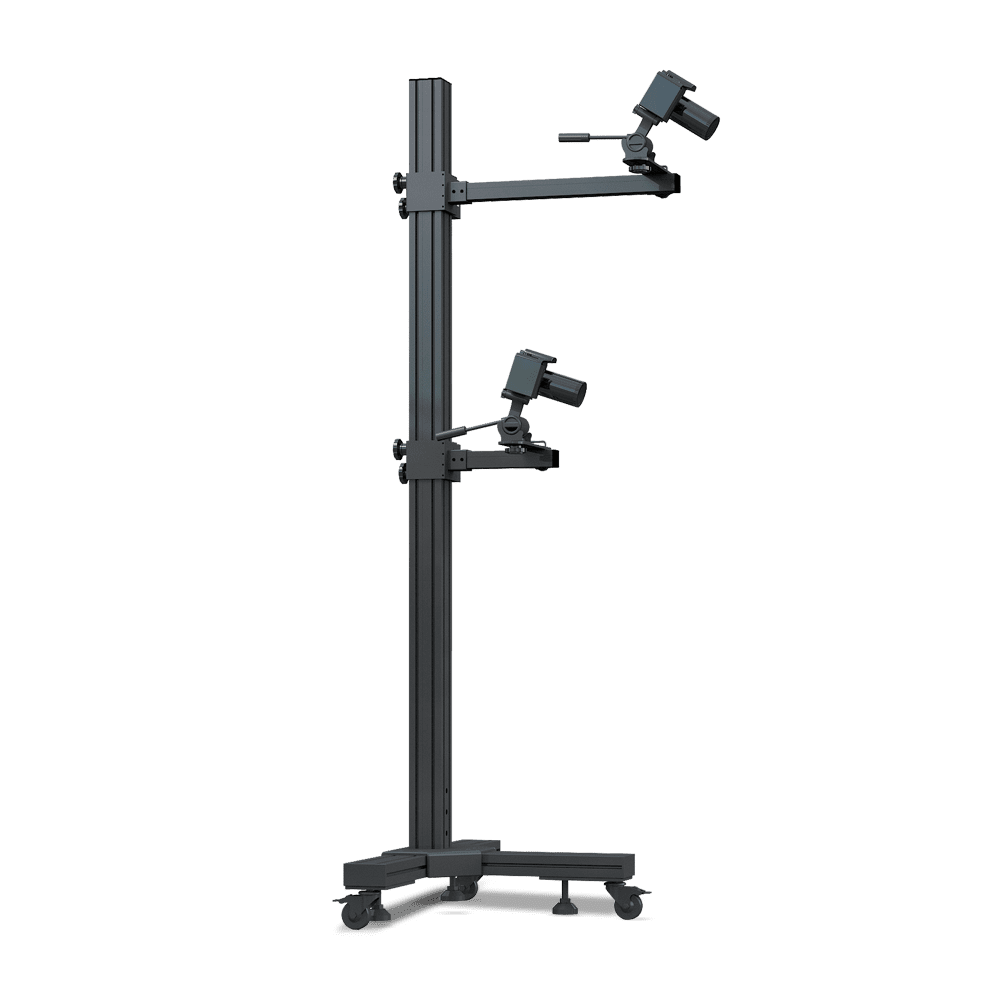
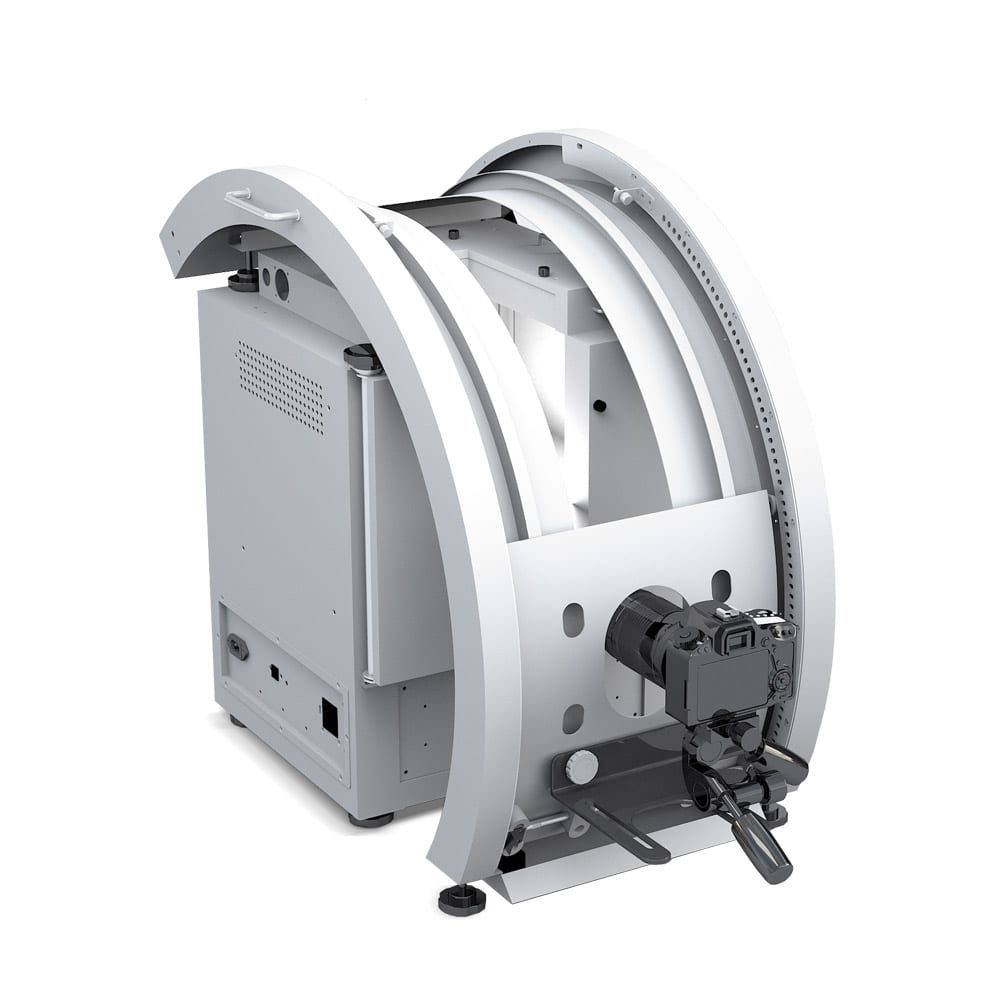
    • Automated Camera Positioning System - Camera tilt and position are controlled remotely via software. Dual guide rails deliver camera to any shooting position or angle
    • Embedded Turntable - Ccomputer-controlled turntable holds up to 25 lbs to create 360 degree and hemispherical product animations in GIF or Flash file formats. Each frame can be annotated, edited, watermarked, sent, printed or saved before stitching to make and animation file. It can also create images for exporting to Ortery TruView Pro.
    • Auto Zoom Control for SLR Cameras Built-in lens gripping device lets users control SLR camera zooming via software.
    • Canon EOS Rebel Digital Camera
    • Photosimile 5000 Image Creation Software - Controls studio settings, turntable movement, camera positioning and digital camera settings. It manages all image capture and processing workflows including file management and editing
    • Photosimile 5000 Image Viewing Software - Free downloads of this optional software give image recipients the ability to view, annotate or edit images sent to them via email from Photosimile in the same software environment, cutting down on confusion and inconsistencies
    • Ortery TruView Pro Software Package Use this software to create Cylindrical, Hemispherical or Full Sphierical product animations in Flash, Silverlight or HTML+JavaScript formats featuring deep zoom and image tagging* capabilities
    • Accessories - Eight cool daylight 6500K fluorescent lamps, power cable, USB cable, two sideshot backgrounds, two turntable backgrounds (black / white), acrylic product stand


    +1-949-859-5580