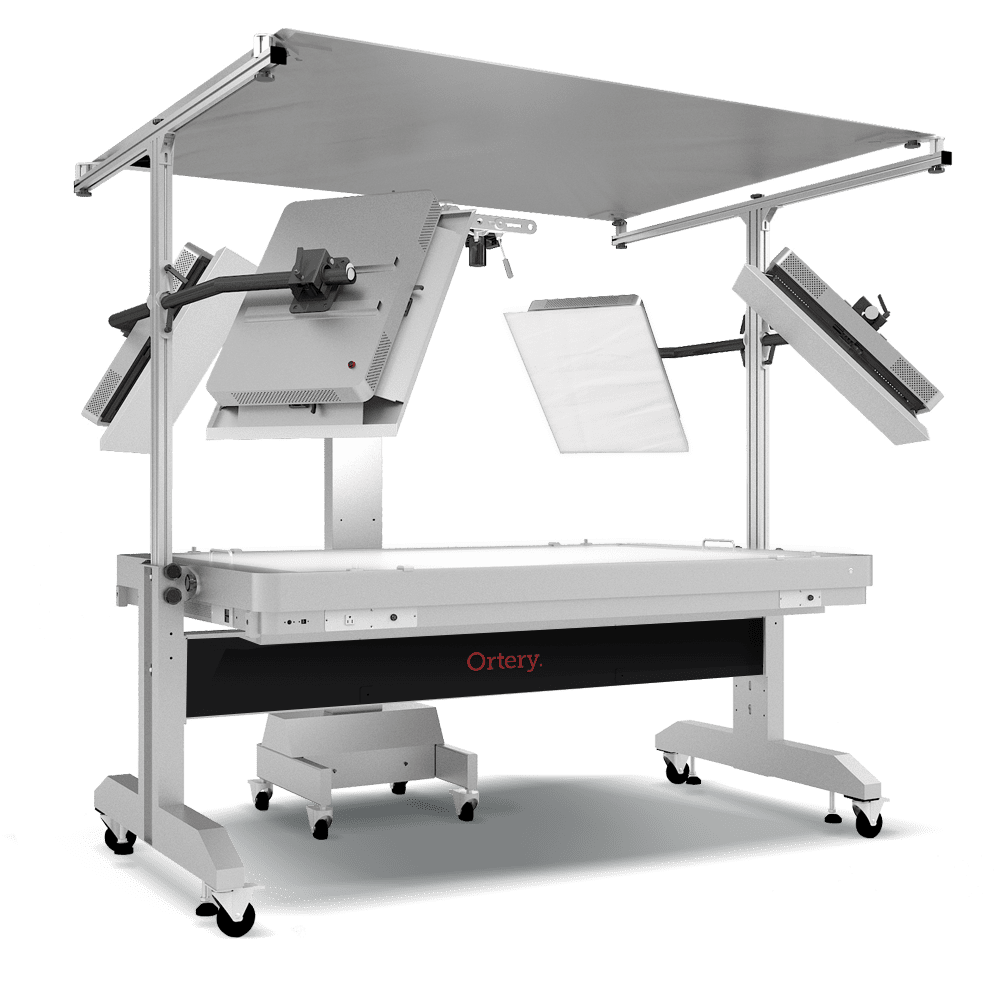
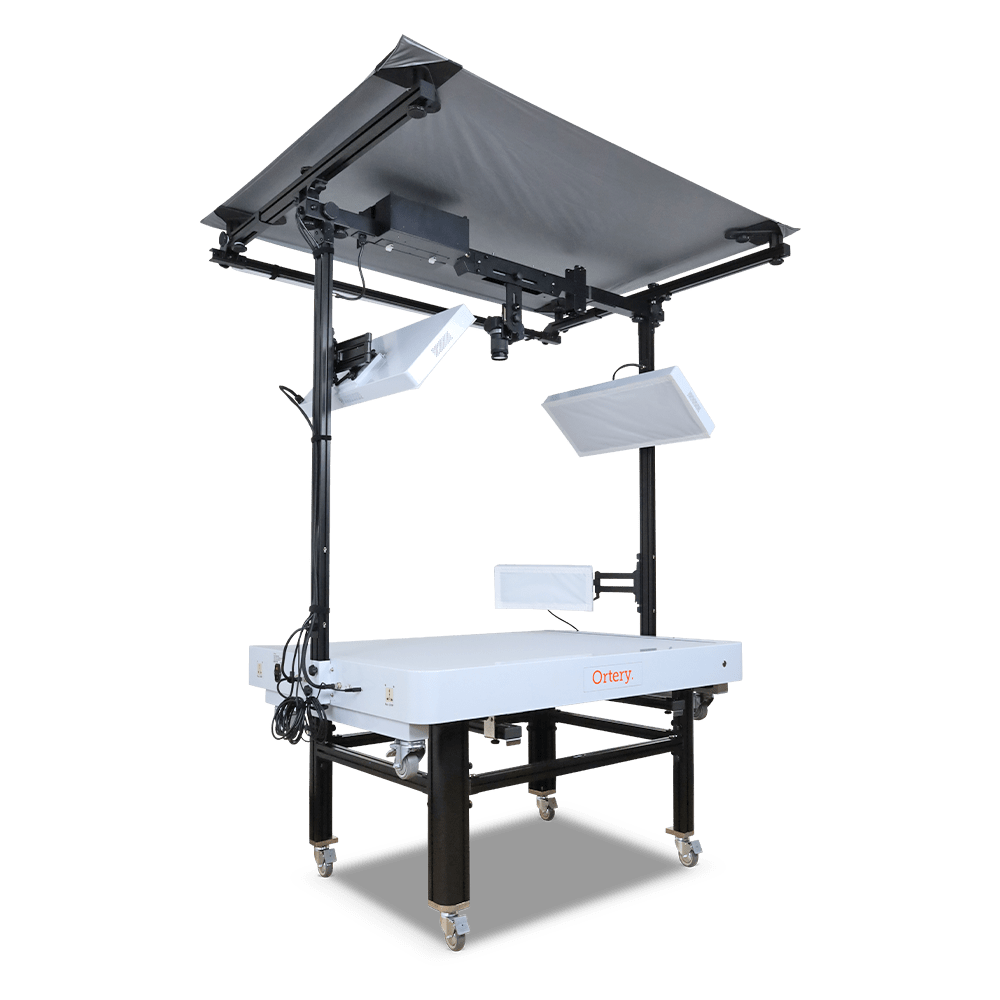
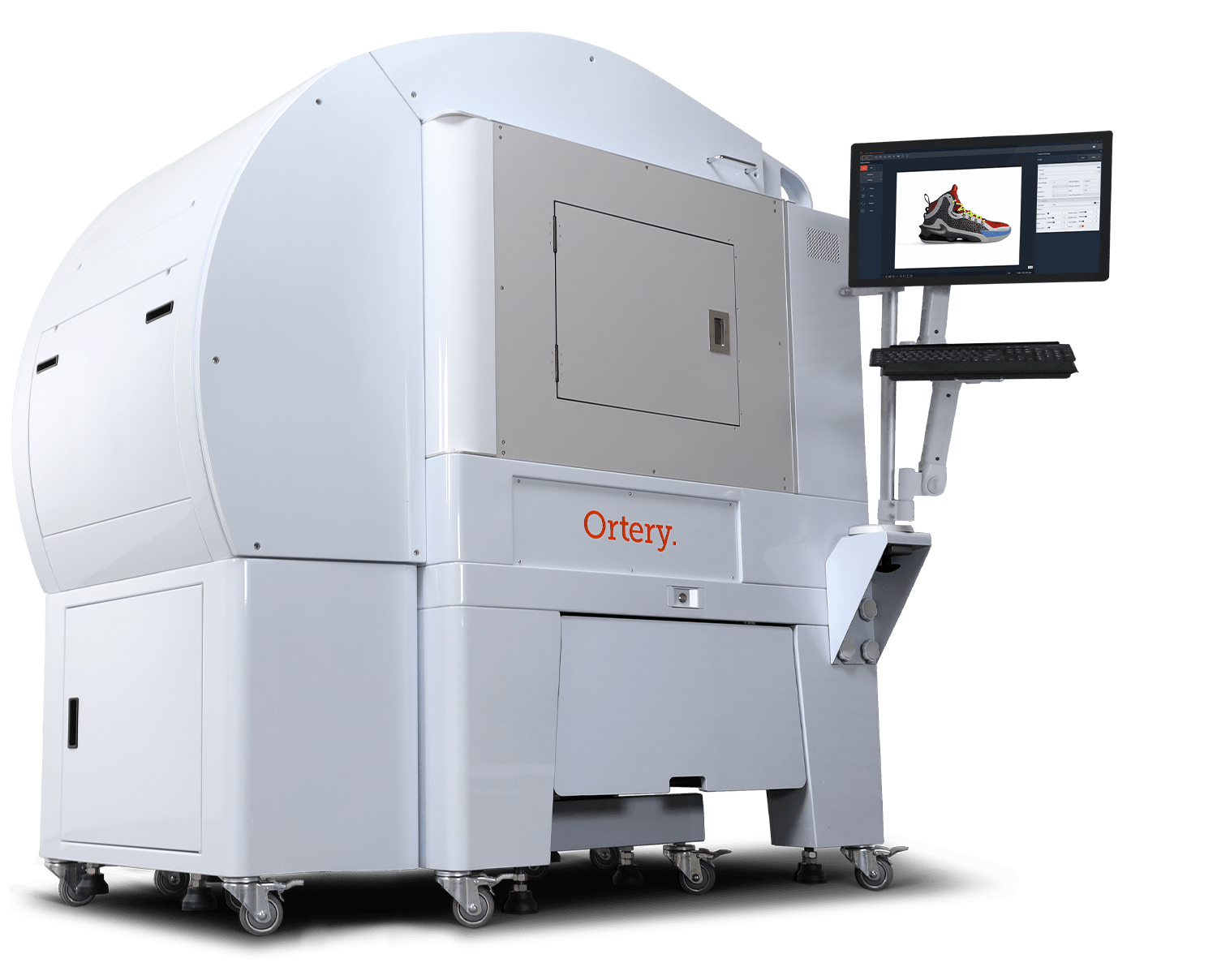
Photosimile 5000
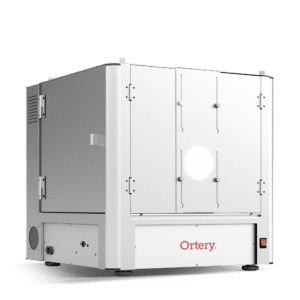
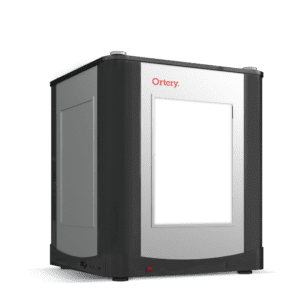
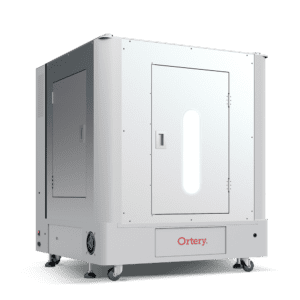
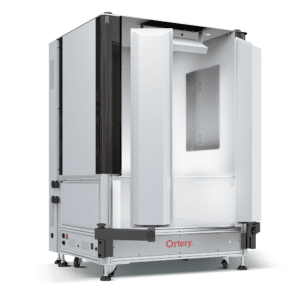
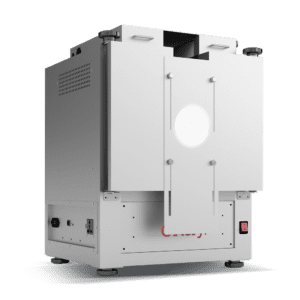
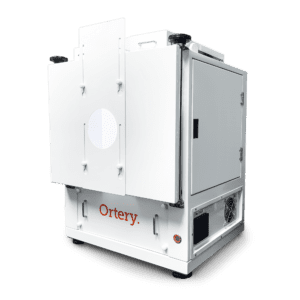
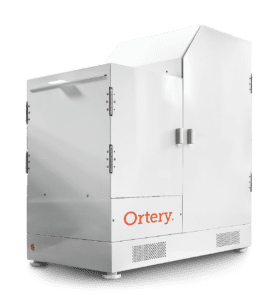
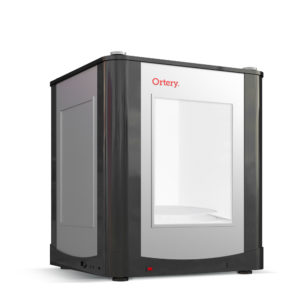
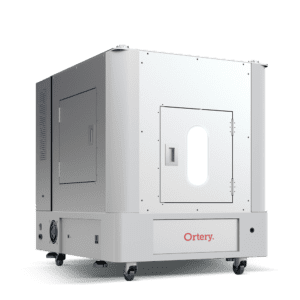
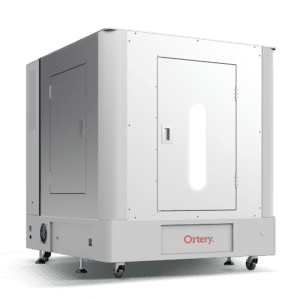
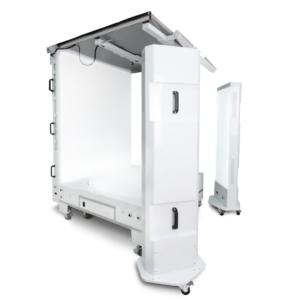
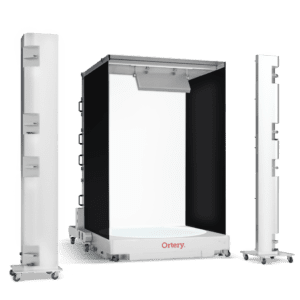
Photosimile 5000 - Automated 3D Product Photography Studio
Imagine walking up to this new office device, placing an object inside, and seconds later walking away with a professional photo (or animation) for immediate use in all print, web and email communications.
Use your computer and a Photosimile 5000 to automate the creation of spherical, hemispherical and 360-degree product animations. It’s simple and fast. With Photosimile 5000, the elements of product photography are integrated to maximize ease of use and productivity. Everything is software-driven.
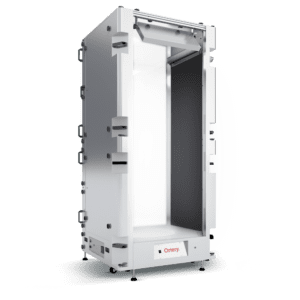
- Software Controlled 45 x 28 x 34” Tabletop Photography Studio
- Creates Professional Still (JPG/RAW), 360, Hemispherical and Spherical Product Views (HTML5/Flash)
- Consistent, Daylight Balanced Fluorescent Lighting (6,500K)
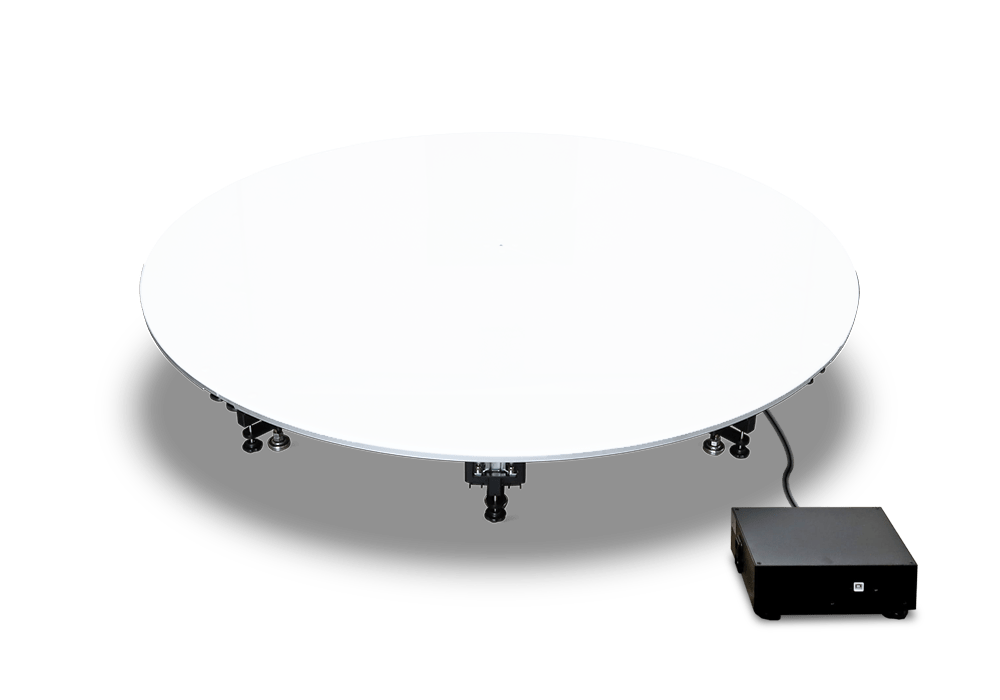
- Embedded 15.7” Turntable and Canon Rebel T3i Camera
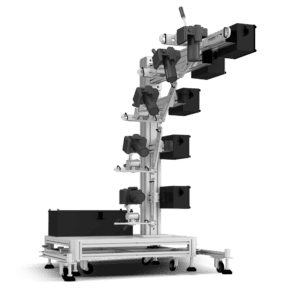
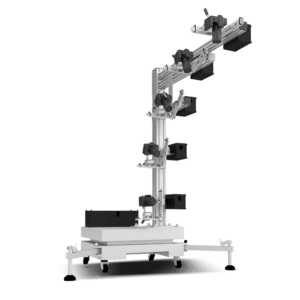
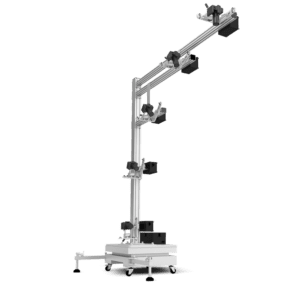
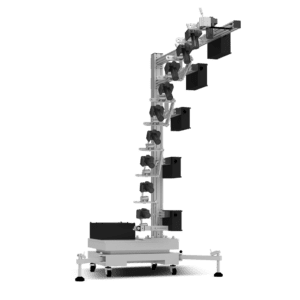
- Camera Positioning System Delivers Camera to Any Position, Tilt or Zoom
- Software Streamlines Image Capture, Processing and Saving
- Lighting, Camera and Saving Settings can be Memorized and Re-used
- Includes TruView 3D for Stitching with Deep Zoom & Image Tagging Capabilities
- Production Tool – Easy to Learn and Use - No Experience Necessary
-
Free Technical Support, One-Year Warranty, One-Year Free Software Upgrades

Office Photography Machine
Scanners, fax machines and copiers are limited to capture and output 2D results. Photosimile 5000 expands office imaging to actual objects by utilizing a digital camera to capture and communicate. The high-resolution results can be sent via email, viewed online, put into print or delivered in presentations.
Just place Photosimile 5000 by the copy machine and let employees from all departments walk up and use it as needed. For even better visual communication results, use Photosimile 5000 to create and distribute spherical, hemispherical or 360-degree product animations.
![]() |
Create Your Own Spherical, Hemispherical and 360 Degree Product Animations Computer-Controlled |
![]() |
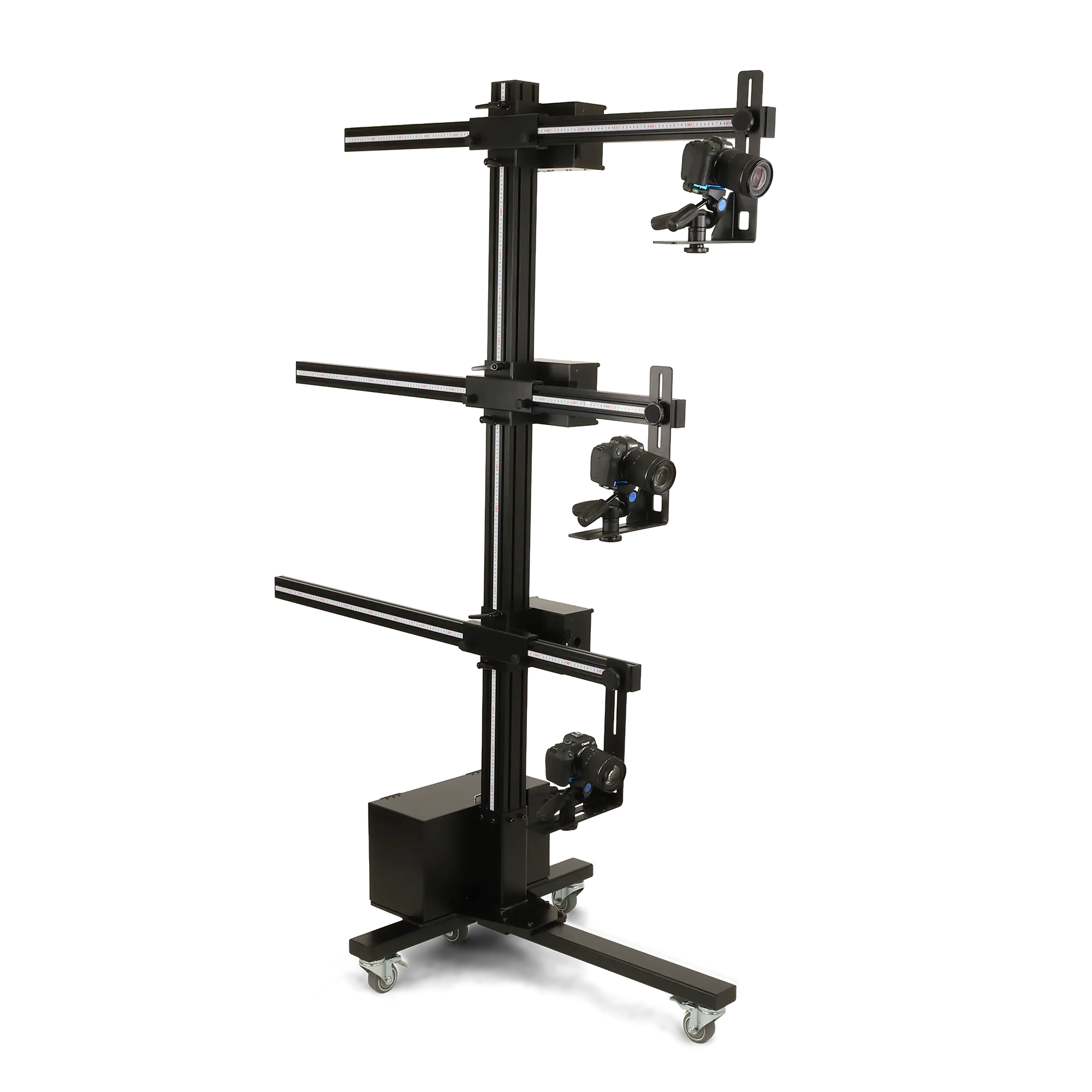
Mechanized Camera Control - Automatic Adjustment of Position, Tilt and Zoom The camera travels along a rail. All movement is controlled by the Photosimile 5000 software. Users can choose the best shooting angle, tilt angle and camera zoom without touching the camera. With the 'Custom Define' feature, Photosimile 5000 can be 'trained' to automatically take sequences of images at various angles. |
![]() |
The Right Light |
|
How It Works:
Take Professional Still Photos
|
|
Create 360-degree or Hemispherical Flash Animations
Create Animations Featuring Deep Zoom in full Spherical, Hemispherical and Cylindrical Formats with Ortery TruView 3D
|
![]() |
A Fully Integrated System - Software controls the following Photosimile 5000 features to automate the image capture and image processing workflows:
- Lighting
- Picture taking
- Camera position (angle, tilt and zoom)
- Camera settings
- Turntable movement
- Batch Image processing and stitching
Everything works in unison to simplify and automate product photography.
45 x 28 x 34” Tabletop Photography Studio ”
Automated JPG and RAW Image Capture
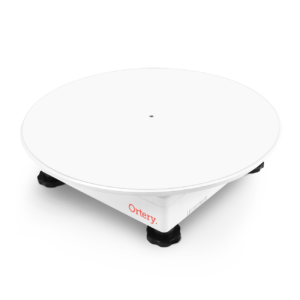
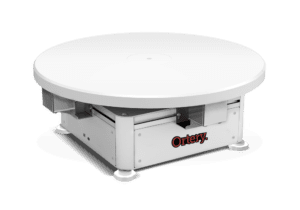
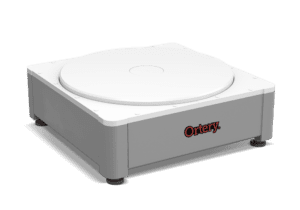
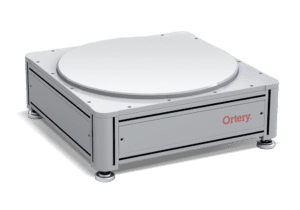
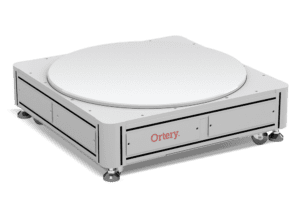
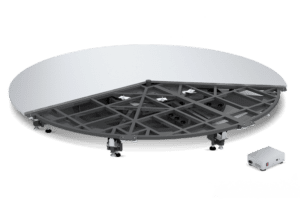
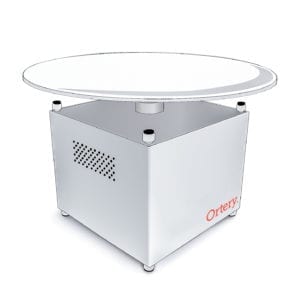
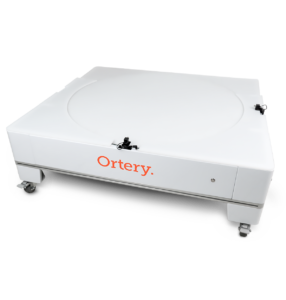
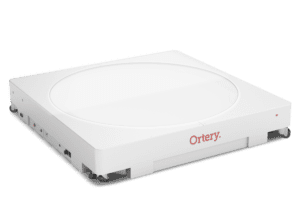
Embedded Photography Turntable
Built-in PhotoCapture 360 turntable (15.7” diameter, 25 lbs. capacity) allows users to automate angular image capture and image processing to create 360, hemispherical and spherical product views in HTML5 and Flash formats. Automatically capture between 4 and 360 pictures per revolution.
Software Controlled
The Photosimile 5000 software controls and automates every aspect of the photography, processing and stitching workflows. Though USB connections to the studio and camera, users can control camera, lighting and turntable settings then take pictures with their mouse.
Still Image Photography
Simply place an object inside the studio. Preview the object using live preview on your monitor screen. Compose by adjusting camera settings, crop, camera position, zoom and tilt. Click Snap to take the picture. The image is automatically downloaded to the computer to the computer monitor for immediate viewing, editing and saving.
Still Sequence Photography
Use the studio, software and cameras to quickly create sequences of still photos from multiple angles.
360 Product Photography
Place an object in the center of the turntable. Capture between 4 and 360 individual images per rotation. The 360 image capture process is completely automated via USB as software synchronizes picture taking and turntable movement. Captured images can be exported or directly stitched in the software to create interactive 360 product views in HTML5, Flash or GIF formats.
3D Product Photography
Automatically capture spherical and hemispherical product views. Captured images can be exported or directly stitched in the software to create interactive hemispherical and spherical product views in HTML5 and Flash formats.
Precise, Repeatable Angles
Computer-controlled automation allows for maximum efficiencies and precise shooting angles.
Professional Lighting
The Photosimile 5000 studio provides a daylight-balanced, uniform lighting environment that allows users to create color accurate product images regardless of experience. The studio contains 4 symmetrically placed, 6,500K fluorescent tubes diffused at precise angles to ensure for even illumination. The two front lights can be controlled On/Off independent of the two rear lights and each lamp lasts 15,000 hours.
Easy to Use
Designed for users of any skill level, in just minutes, anyone is able to setup the studio and capture professional photos and product animations. Lighting, camera and saving settings can be memorized and re-used to obtain consistent results time after time.
Fast & Efficient
By integrating the image capture, processing and saving workflows with software, users are able to eliminate many of the tedious, time consuming tasks associated with the normal product photography workflow. Compose, capture and batch save still shots in just seconds. Create 24 frame 360 product views (from beginning to end) in less than 3 minutes per product. Photosimile 5000 is an excellent production tool. No project is too large or too small.
Custom Defined
Users are able to specify, set and save a sequence of images to be shot at multiple angles and turntable positions.
Automated 360 Image Capture (JPG/RAW)
Users are able to capture from 4 to 360 individual JPG and/or RAW images per 360-degree rotation. Image capture is automated with software synchronizing turntable movement with picture taking. Provides fast, accurate results.
Automated 3D Image Capture
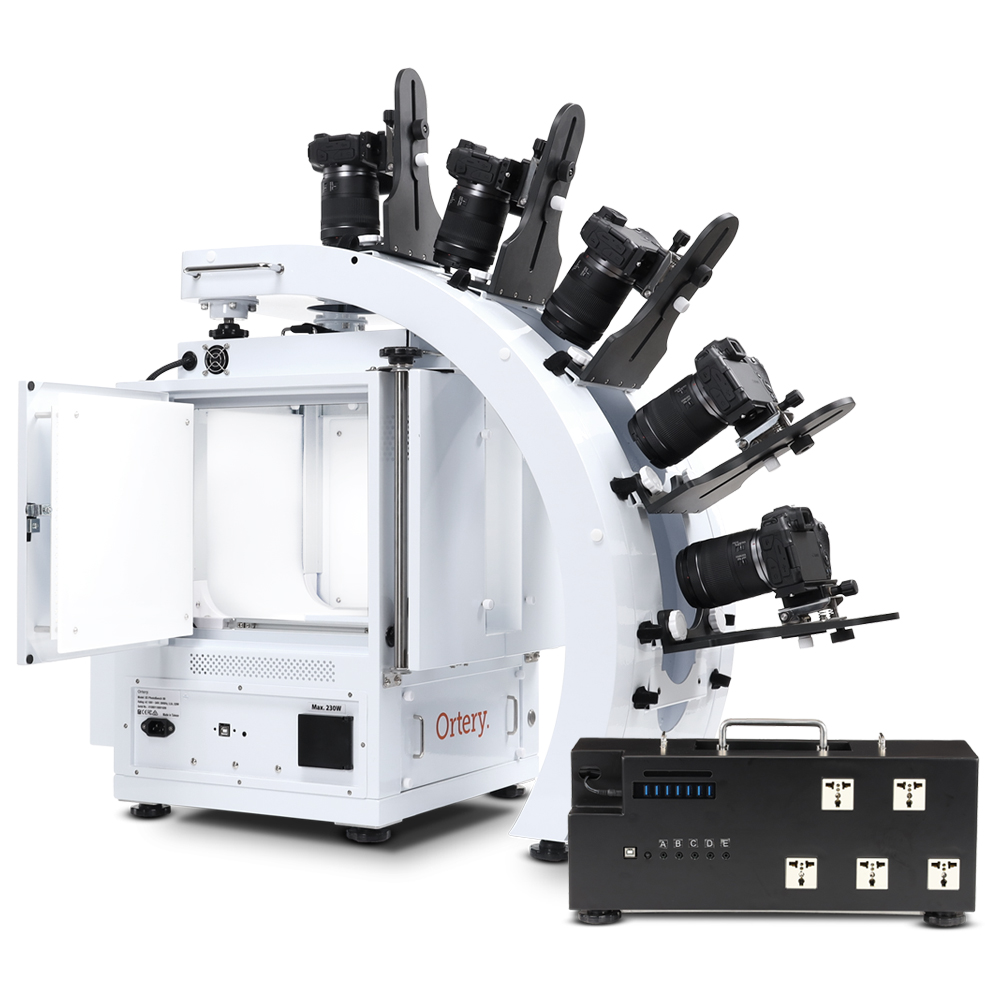
Users define the type of animation and shooting parameters, image capture is automated with picture taking in conjunction with camera positioning (tilt, zoom and position) and turntable movement. For full spherical animations, user is required to flip the product upside down to capture the bottom half. TruView Pro composes the individual frames into 3D hemispherical or full spherical product views.
Ortery TruView Pro Software
TruView Pro turns individual JPG images into interactive spherical, hemispherical and 360 product views in HTML5 and Flash formats. TruView animations feature optimized download times, click-and-drag mouse control, deep zoom, dynamic resizing, hot spot image tagging, hyperlinks, audio and more.
Free Technical Support, One-Year Free Software Upgrades & One-Year Warranty
Large Live Preview
The software displays camera live view as a real-time preview on the computer monitor. In the real time preview, users can make camera, lighting, object position and crop adjustments to compose the picture while viewing the results live before taking any pictures. The real-time preview is also great at ensuring there are no hot spots or reflections and that objects are centered correctly on the turntable before shooting a 360 or 3D product view.
Pre-Crop
Use the real time preview to set crop markers before taking still or 360 degree images. Pictures are automatically cropped as they are captured, eliminating the need for post-production. Crop can be set as:
- Free Form - Adjust crop as required
- Fixed Ratio - Pre-define an aspect ratio that will constrain the crop to a specific size (ex. 4 x 3)
- Square - Crop in a perfect square
Afterimage
This feature allows users to overlay a transparent image of a previous shot on the Preview to ensure that future shots are all taken at the same, consistent angle.
Highlight Alert
When activated, this feature will highlight the parts of the picture you are about to take that will be pure white in the final output.
Auto, Manual & Fixed Focus
Users have the ability to autofocus, adjust focus manually on the camera or through the software while viewing a real time preview. Manual focus can be set once and applied to a set of images in the 360 mode.
Image Editing
Includes a single or batch color correction tools (including Levels, Curves, Brightness, Contrast, Saturation and Sharpness) and an image masking tool that allows users to select and change background color.
Still Image Saving
Save images at low or high resolution (72/150/300 DPI) for a wide variety of applications. This feature includes batch image naming, resizing, watermarking and FTP transfer.
Advanced Batch Saving
Create and re-use custom saving profiles to batch save images in several formats. Options include:
- File name - Assign specific names using extremely flexible naming formulas
- File format - Still - JPG and RAW
- Still Shot Magnifier - Still images can be saved in HTML5 or Flash format with a built in Magnifier for viewing image details at 3X magnification
- Save Location - Batch save images to one or more folders simultaneously
- Image Size - Each image can be independently resized
- Resolution - 72, 150 or 300 DPI
- Batch Edit - Auto apply image editing presets
- Watermark - Apply text or logo watermarks to images for increased protection and marketing
- Annotate - Include or restrict annotations in the final saved image
A practical use for this feature is to simultaneously save captured images as a thumbnail, product shot, oversized product shot and as the original master – to different folders with different names, sizes and with other unique features.
Direct Image Export
Enabling this feature means captured images can be instantly renamed, resized, set to a specific resolution and watermarked before being immediately saved to local or network folder or opened inside Photoshop or some other image editing program.
Watermarking
Users can upload a logo or chose from a preset logo to be applied to a single or set (batch) of images. Watermarking is a great way for businesses to brand and protect the images they create. This feature is also great for the professional who wishes to send proofs to the customer.
Program Link
Transfer a single image or set of images to the image editing application of the user’s choice. Adobe Photoshop is set as the default program.
Annotation
Captured images can be annotated with text and drawings to highlight specific features then sent by email. This feature promotes efficient business communication.
Send
Captured image(s) can be instantly attached to an outgoing email. This feature, combined with image annotations, makes an excellent business communication tool.
Individual Frame Export / Import in 360 Mode
The individual JPG and/or RAW images captured in 360 can be exported for use in any application. JPG or PNG* images can then be imported back in for stitching into an interactive 360 view in HTML5 or Flash. During the import images can be batch re-sized and watermarked with a customized logo.
360 Product View Types
Several types of HTML5 and Flash outputs can be created.
- Auto Play - Always spinning with click-and-drag mouse control
- Spin Once - Spins once to get customer’s attention, then click-and-drag mouse control
- Static - This animation only moves when moved with mouse control
- Standard Viewer - Features play, pause, next frame and previous frame buttons. Users can select from 4 button styles or create their own (HTML5 only)
- Dual Animation - By moving an object as it rotates (ex. Camera view finder pop out as camera rotates)
- Magnifier - A magnifier can be added to any animation type to view the object at 3X magnification from any angle
- *Watermarked - Watermarks can be added to any animation type
- *Add Frames - Create hot spots in the 360 view that indicate additional information or movement
- For each animation, the user has full control over the starting frame, rotation speed and spin direction.
Custom Animations
In addition to creating 360 product views, Photosimile 5000 can also create 180, 120 and 90 degree product views. Users choose the number of pictures to capture over the spin rage selected.
|
Benefits:
|
![]() |
Acrylic Stands
Add Acrylic Stands to hold you products the right way
Backgrounds
Add Backgrounds Different colors, different sizes
Contrast Kits
Add Contrast Kits for blocking lights adding contrast and highlighting specific areas
LED Spot Lights
Add LED Spot Lights for highlighting jewelry and gem stones
Compatible Cameras: Most Canon and Nikon cameras are compatible with this product. Compatible Camera List
Package Contents:
- 45 x 28 x 34” Photosimile 5000 – Includes Automated Camera Positioning System & Embedded Turntable
- Canon EOS Rebel T3i Camera (18MP) with Tamron 18 – 200 mm lens
- Installation CD with Photosimile Software, Installation Guide, User Guide & Photography Tips
- Ortery TruView Pro Software
- 8 Daylight-Balanced (6,500K) Fluorescent Bulbs
- White Side Shot Background
- Black Side Shot Background
- Black and White Turntable Cover
- Black Floor Cover
- Acrylic Product Stand
- USB Cord, 110V Power Cord
- Free Technical Support for Life
- One-Year Hardware Warranty & One-Year Free Software Upgrades
Specifications:
- Dimensions (L x W x H): 45 x 28 x 34”
-
Maximum Target Sizes (L x W x H):
- Top Shots: 25” x 18” x 14”
- Side Shots: 22” x 22” x 22”
- 360 Animations: 14” x 14” x 11”
- Hemispherical / Spherical Animations: 8” x 8” x 11”
- Maximum Object Weight: 25 lbs
- Weight: 135 lbs.
- Shipping Weight: 150 lbs.
- Shipping Dimensions: 48 x 33 x 43”
- Power Requirements: Standard 110V (220V units available upon request)
Software Requirements:
Photosimile 5000 Software Requirements:
- Windows® XP, Vista, 7
- (Administrator Account Required)
- CPU: Minimum 2 GHz Single Core
- RAM: Minimum 2 GB
- VGA: Minimum 1024x768
- Internet connection with active email account (optional)
- Min. 1 USB Ports, CD ROM drive
TruView 3D Software Requirements:
- Windows® XP SP3, Vista, 7
- .NET Framework 3.5 SP1+
- CPU: Minimum 1 GHz
- RAM: Minimum 2 GB
- HDD: 4GB
- VGA: Minimum 1024x768
- Internet connection with active email account (optional)
- CD ROM drive